Full Description
View Full Description
Precision mixing with motorised faders
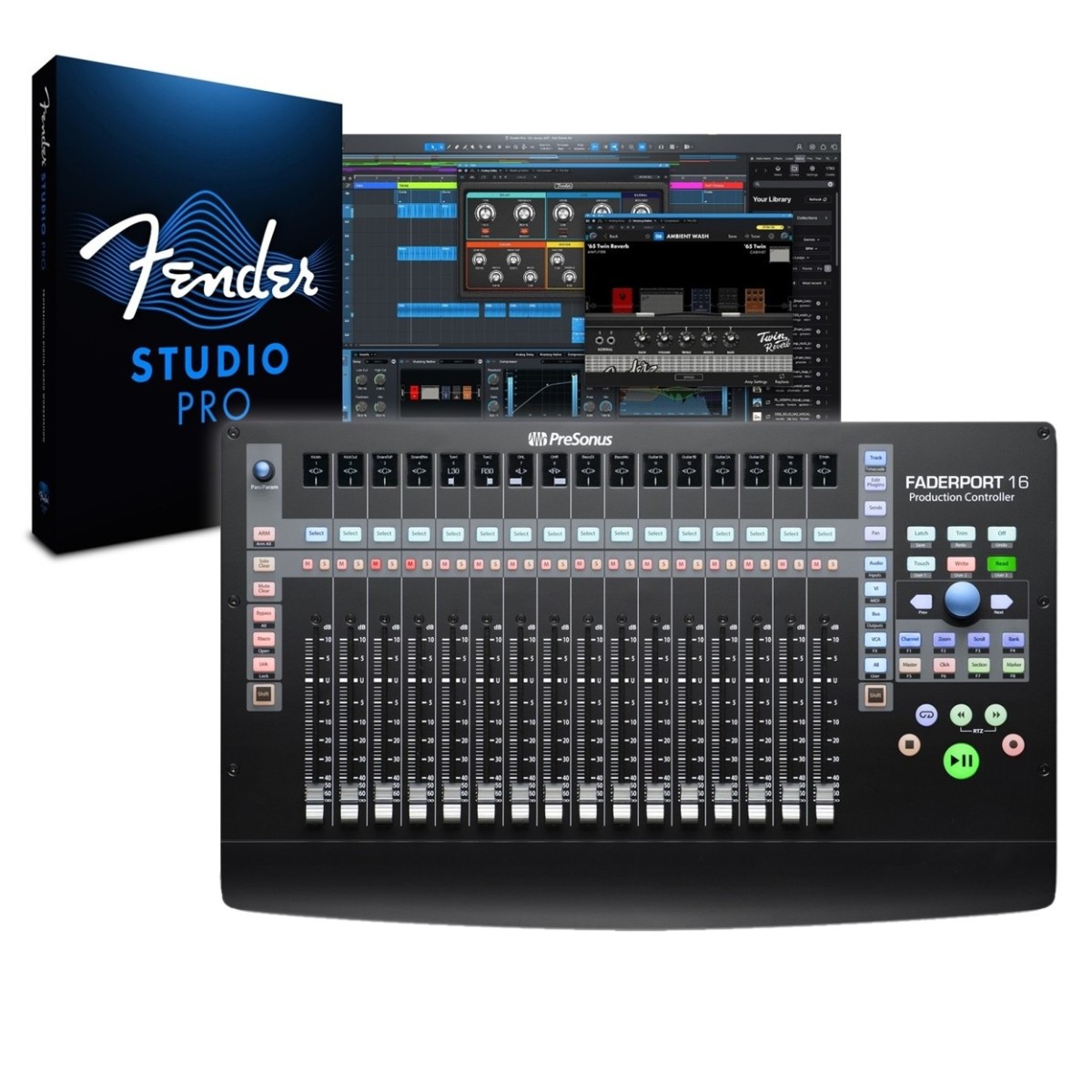
The FaderPort 16 features 16 touch-sensitive, 100 mm motorised faders that provide a highly responsive mixing experience. Whether you're adjusting track levels, writing automation, or fine-tuning effects, these faders respond accurately to every touch, making precise adjustments easy. Each fader automatically updates to reflect changes in your DAW, ensuring a seamless workflow without manual repositioning.
Unlike traditional mouse-based mixing, these faders allow you to focus on the feel of your mix, offering a more tactile and intuitive approach. The touch-sensitivity ensures that adjustments are only made when you intend to, avoiding accidental changes and giving you full control over every mix element.
The faders can also be used to control various parameters beyond volume, such as pan positions, plug-in settings, and auxiliary send levels. This flexibility allows for deeper interaction with your session, making the FaderPort 16 a valuable addition to any studio setup.
Clear visual feedback with scribble strips
Staying organised during a session is crucial, and the FaderPort 16 helps with its high-resolution scribble strip displays above each fader. These displays show essential information, such as track names, volume levels, and automation modes, allowing you to see the status of each track at a glance.
The scribble strips update automatically based on your DAW’s settings, ensuring that you always have accurate information in front of you. This feature reduces the need to constantly reference your computer screen, allowing for a more immersive and efficient workflow. Additionally, the display provides clear feedback even in low-light environments, making it suitable for live performance setups or dimly lit studios.
Streamlined workflow with transport controls
The FaderPort 16 is equipped with a full set of transport controls, including play, stop, record, fast forward, and rewind buttons. These controls allow you to navigate through your session effortlessly, reducing your dependence on keyboard shortcuts and mouse clicks.
For even greater efficiency, the loop function lets you quickly set playback loops, perfect for reviewing sections of your mix or tracking multiple takes. The dedicated transport buttons are conveniently placed for quick access, keeping your workflow fast and fluid.
Comprehensive session navigation
With the unique Session Navigator, the FaderPort 16 offers quick control over essential DAW functions. The large rotary encoder allows you to scroll through tracks, manage channel banking, and adjust timeline positions effortlessly. Dedicated buttons for functions like track scrolling, timeline navigation, and marker placement provide a streamlined approach to session management. You can easily switch between different tracks or move through your project with minimal effort. The Session Navigator also includes options for controlling zoom levels, toggling between views, and managing markers, giving you complete command over your session without reaching for a mouse.
Seamless DAW integration
The FaderPort 16 is designed to work with a wide range of digital audio workstations, supporting both Mackie Control Universal and HUI protocols. This ensures compatibility with industry-leading software such as Studio Pro, Pro Tools, Logic Pro, Ableton Live, and more.
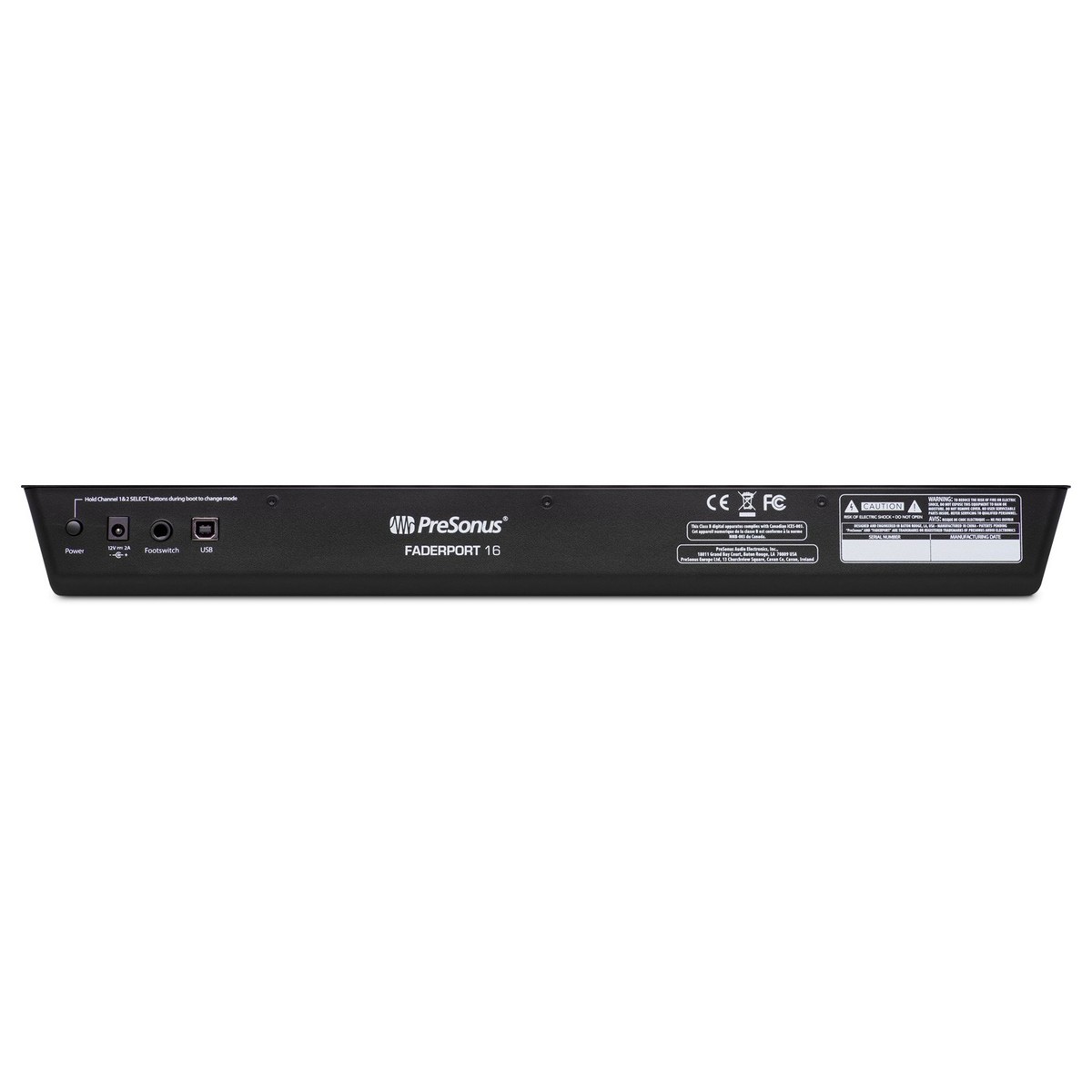
For Studio Pro users, the FaderPort 16 provides deep integration, offering additional control options and an enhanced workflow experience tailored to PreSonus’ software. However, its universal compatibility makes it a versatile tool for any studio environment. The device connects via USB 2.0, providing a fast and reliable connection with both macOS and Windows computers. No additional drivers are required, making the setup process quick and straightforward.
Complete with Fender Studio Pro - perpetual licence
Fender Studio Pro is a full-featured digital audio workstation (DAW) designed to help musicians, producers, and creators write, record, edit, mix and master music in a single, professional environment.
The software brings together Fender’s celebrated amp and effects modelling, including Mustang and Rumble plugins, with advanced DAW features such as drag-and-drop workflows, Channel and Arrangement Overviews for clearer session navigation, and AI-assisted tools like chord suggestion and audio-to-MIDI conversion to streamline creativity. Its updated design makes it easier for guitarists at all levels to lay down ideas quickly while still offering the depth needed for full productions.
Features
- 16 touch-sensitive, 100 mm long-throw, motorized faders
- 16 high-definition Scribble Strip displays
- Complete recording-transport controls: Play, Stop, Fast Forward, Rewind, Record, Loop
- Complete marker navigation controls: Drop Marker, Next/Prev Marker, Next/Prev Event
- General session controls: Undo/Redo, Arm All, Solo/Mute Clear, Local Track Management, Click On/Off with tap tempo
- Session Navigator provides quick control over Track and Timeline Scrolling, Zooming, Master fader control, and much more
- Channel Controls: Level, Pan, Solo, Mute, Rec Arm
- Automation Controls: Touch, Latch, Trim, Write, Read, Off
- Alternate Fader Modes for: Plug-in edit, bus sends, pan
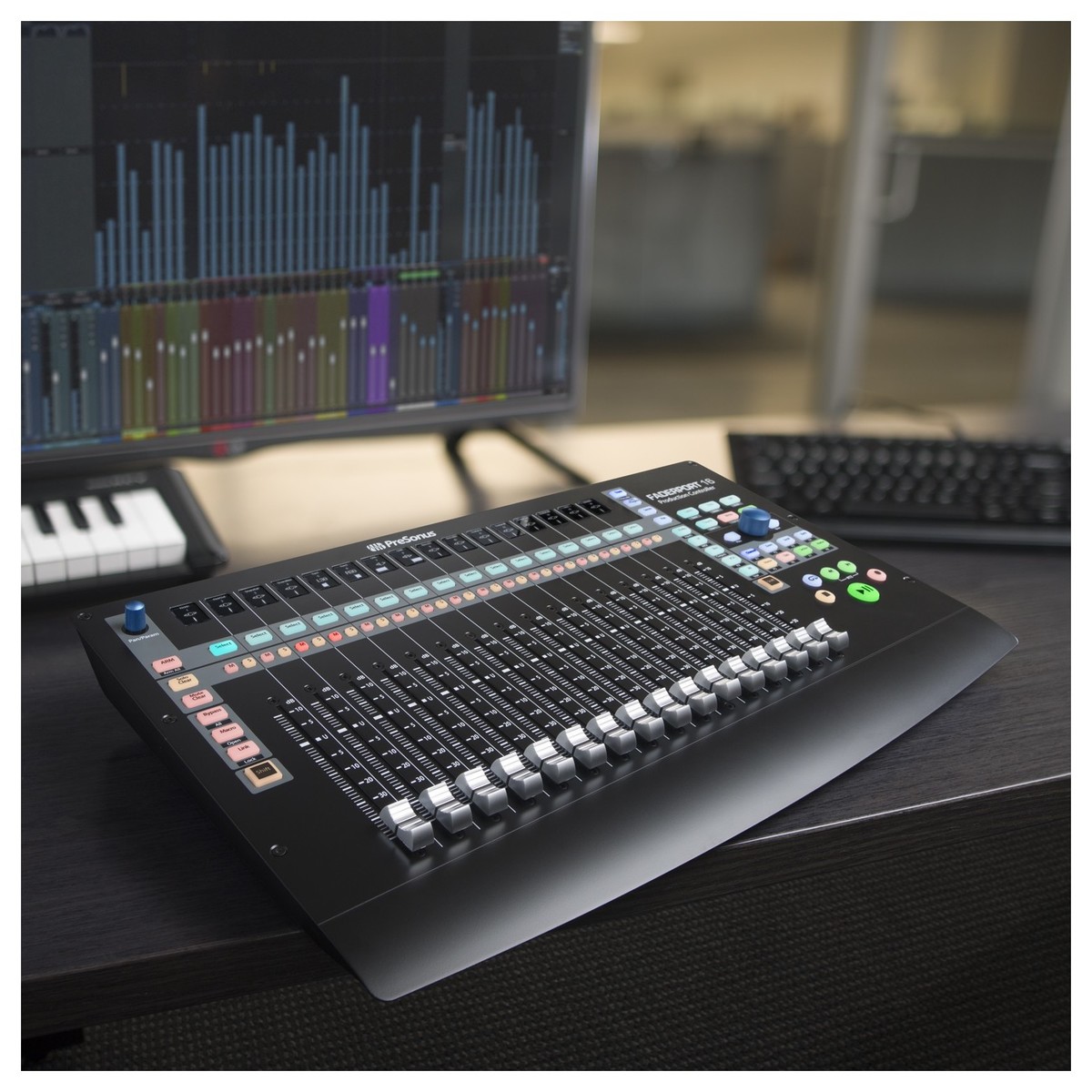
- Compact and ergonomic design fits virtually any desk
- Mac and Windows compatible with native Fender Studio Pro support and HUI and Mackie Control Universal emulation
- Includes Fender Studio Pro (perpetual licence), Studio Magic, and Ableton Live Lite
- Customized Mackie Control (MCU) modes for Logic, Cubase, and Sonar
- Native MIDI control map for advanced users to create customized macros
- Footswitch input for hands-free start/stop
- USB 2.0 connectivity
Specifications
- Input/Outputs: 1 USB 1.0port, 1 footswitch jack for hands free stop-start
- Dimensions: 53.59 x 302.26 x 497.84mm (HxDxW)
- Weight: 3.63kg
- Product Code: 2777104201
Computer system requirements
Mac
- Mac OS X 10.8.5 64-bit or later
- Intel Core 2 Duo processor (Intel Core i3 or faster recommended)
- 4 GB RAM (8 GB or more recommended)
Windows
- Windows 7 x64/x86 SP1 + platform update, Windows 8.1 x64/x86, Windows 10 x64/x86
- Intel Core 2 Duo (Intel Core i3 or faster recommended)
- 4 GB RAM (8 GB or more recommended)
Mac and Windows Systems
- USB 2.0 port
- Internet connection required for driver and bundled software installation
- 30 GB hard disk space*
- Monitor with 1366 x 768 resolution (high-dpi monitor recommended)*
* Required for Studio Pro
Note: The minimum system requirements may differ for DAWs other than Studio Pro.