Full Description
View Full Description
Remix tracks with rekordbox integration
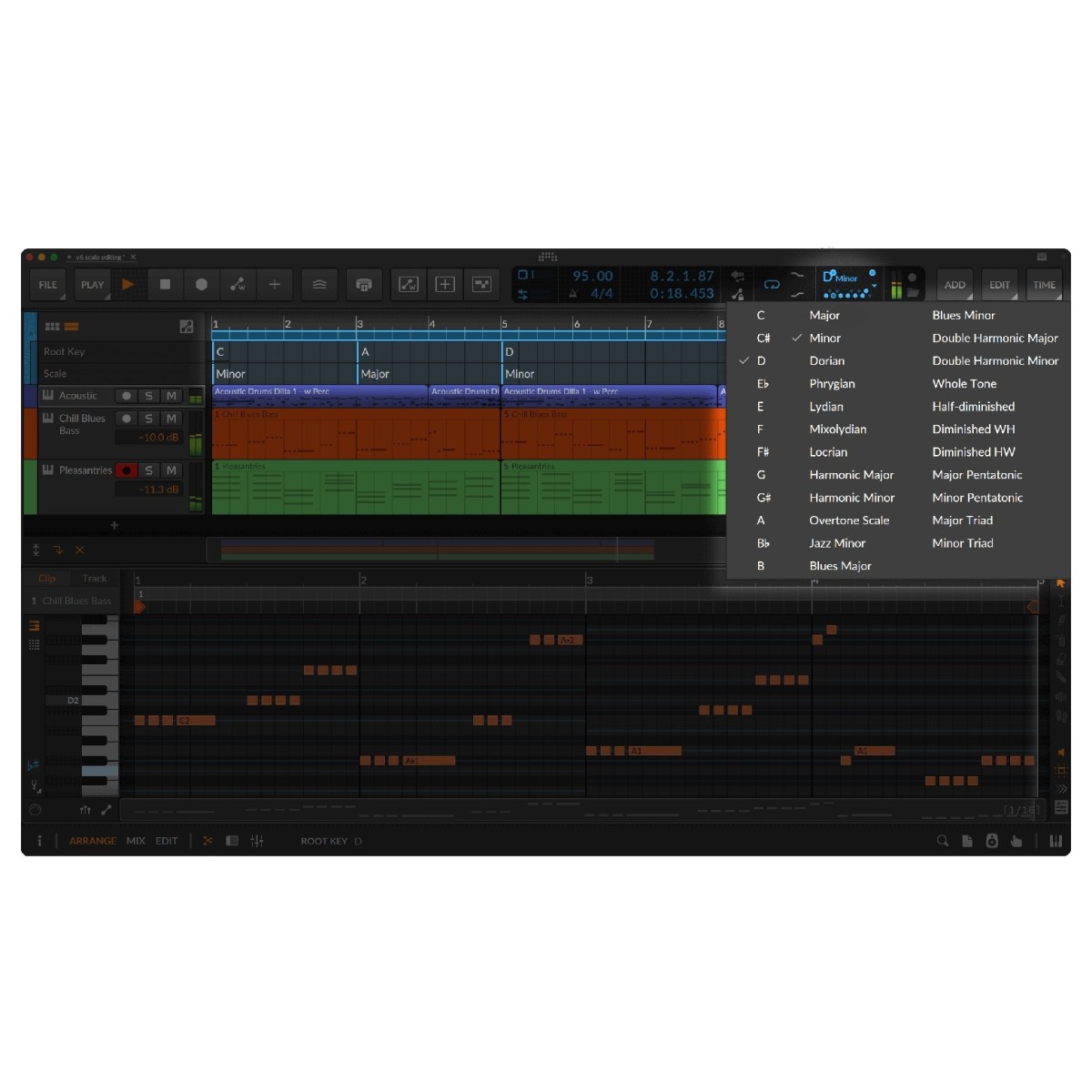
Introduced in Bitwig 6.1.2, rekordbox integration connects your DJ music library directly to Bitwig Studio Producer on Windows and macOS. Browse tracks through Bitwig's browser, filtering by artist, playlist, or file type. Opening a track automatically creates a project matched to its BPM and musical key, with Hot Cues, song structure, and vocal placements displayed.
This makes it easier to restructure existing tracks, introduce tempo-matched loops, and create synthesiser parts that complement the original recording.
Build complete productions with unlimited tracks
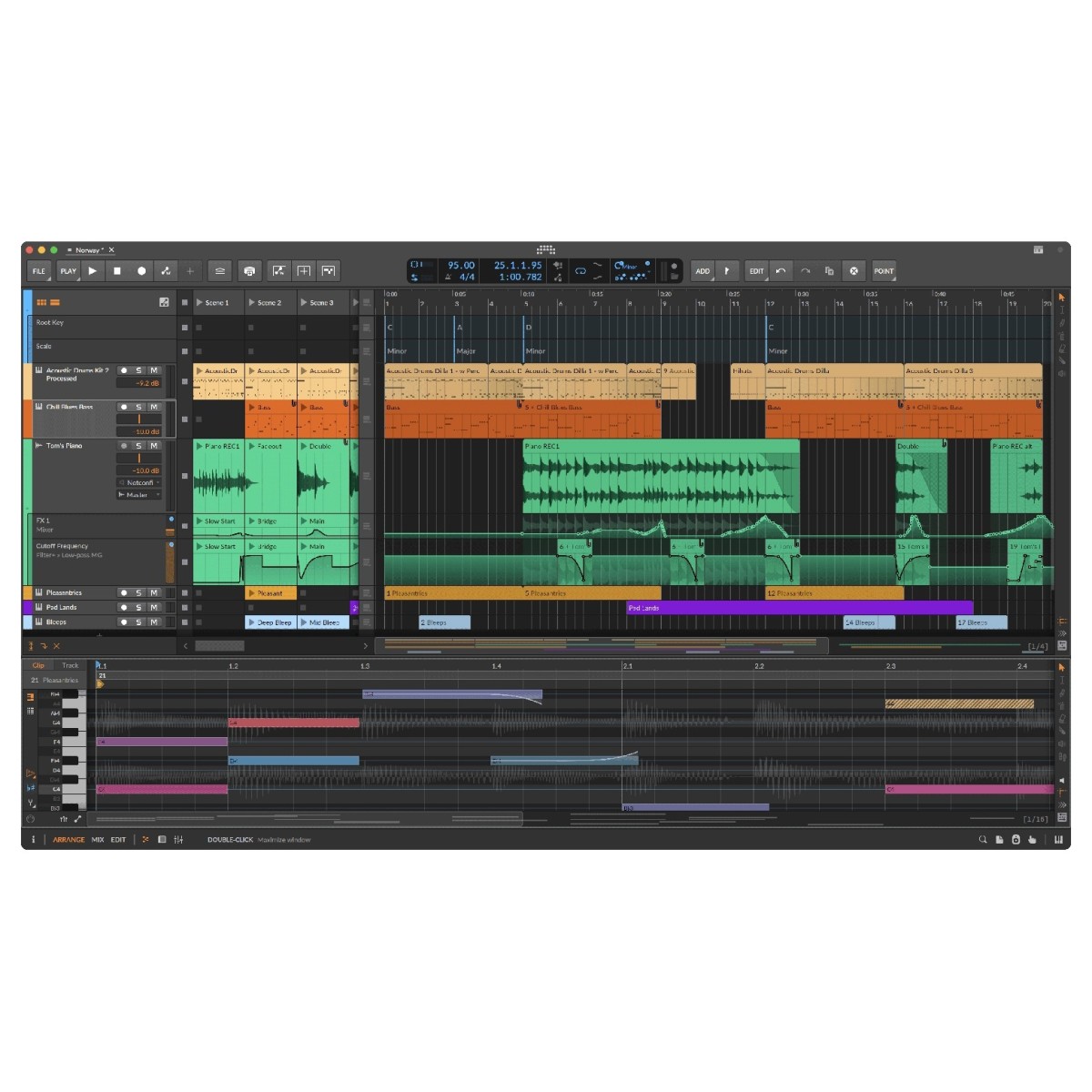
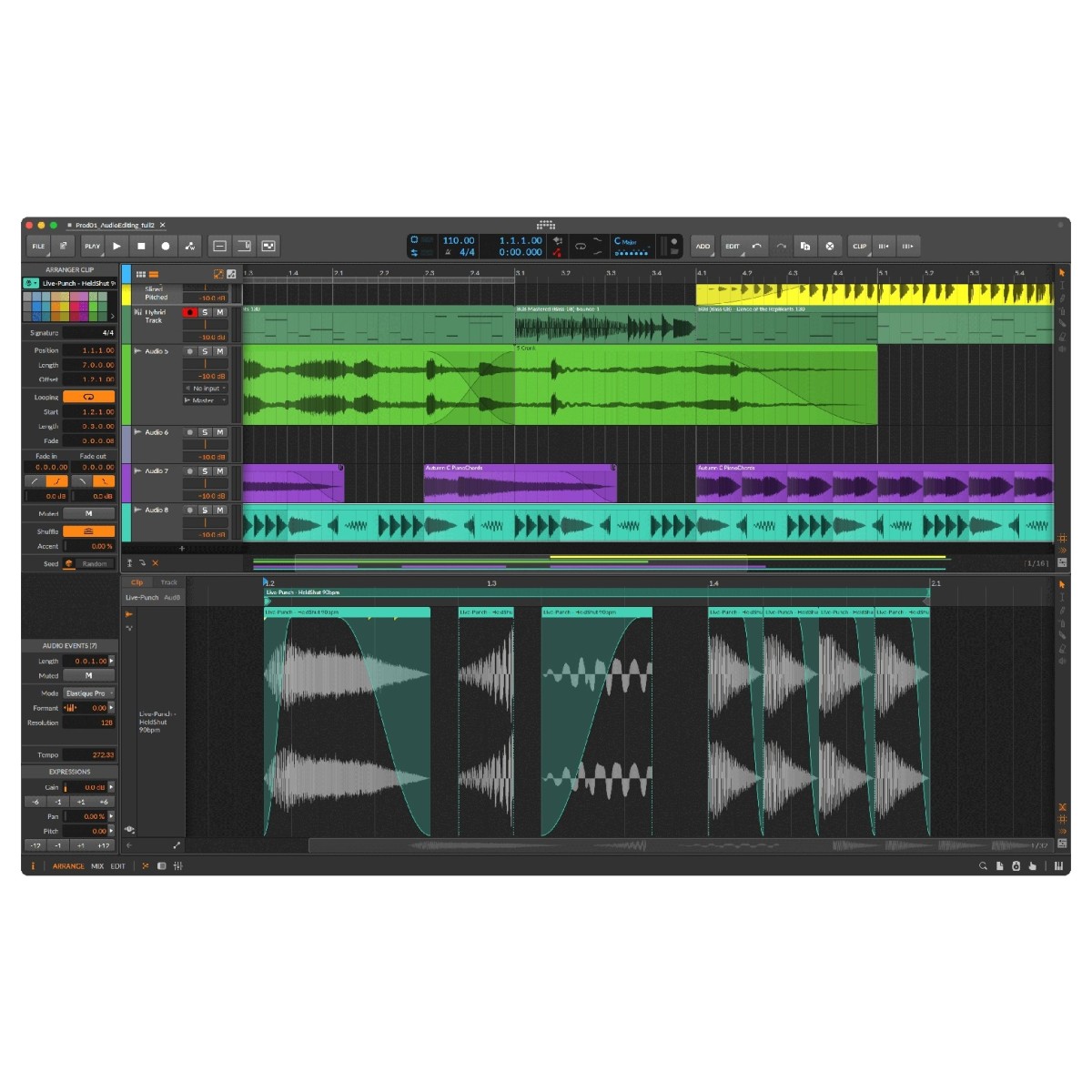
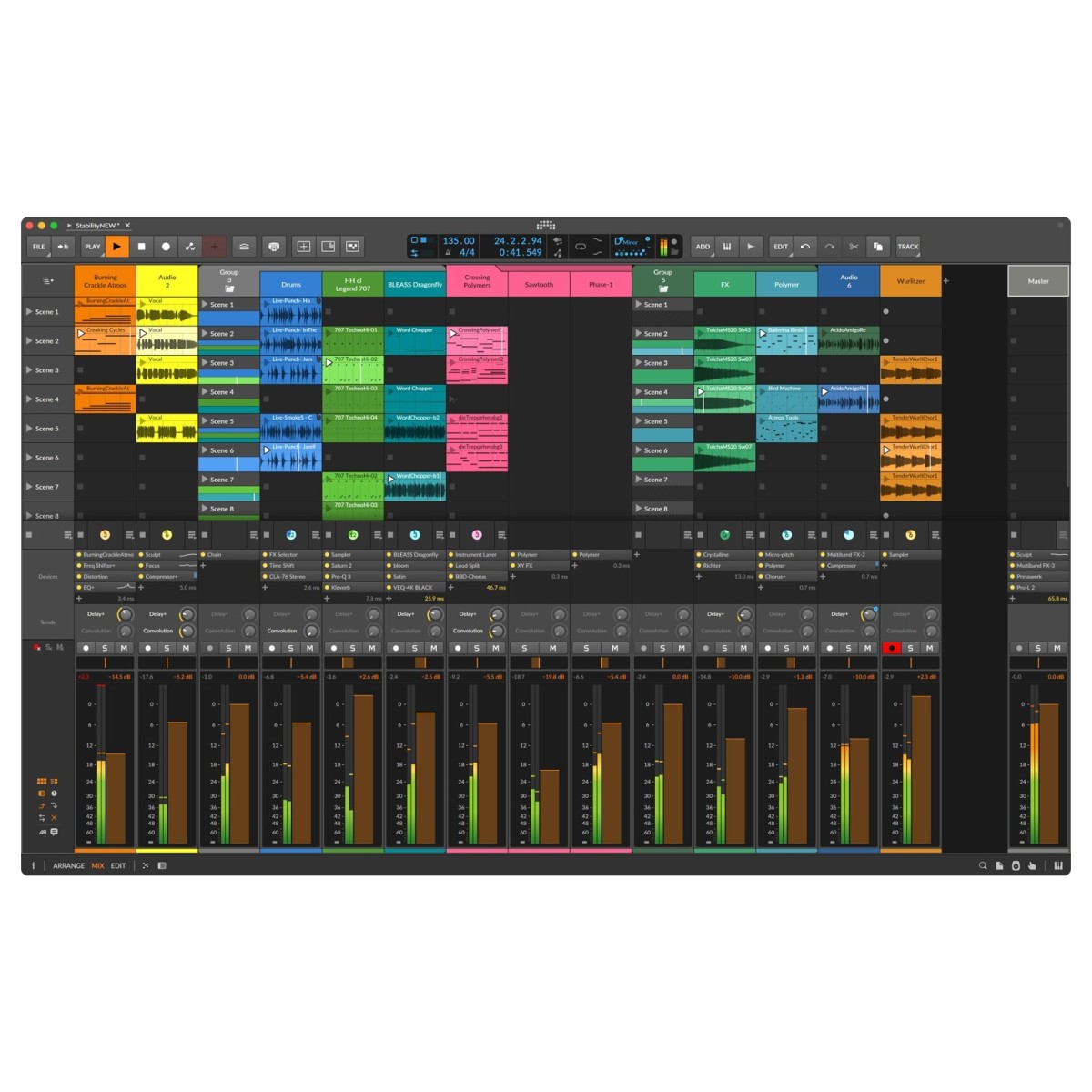
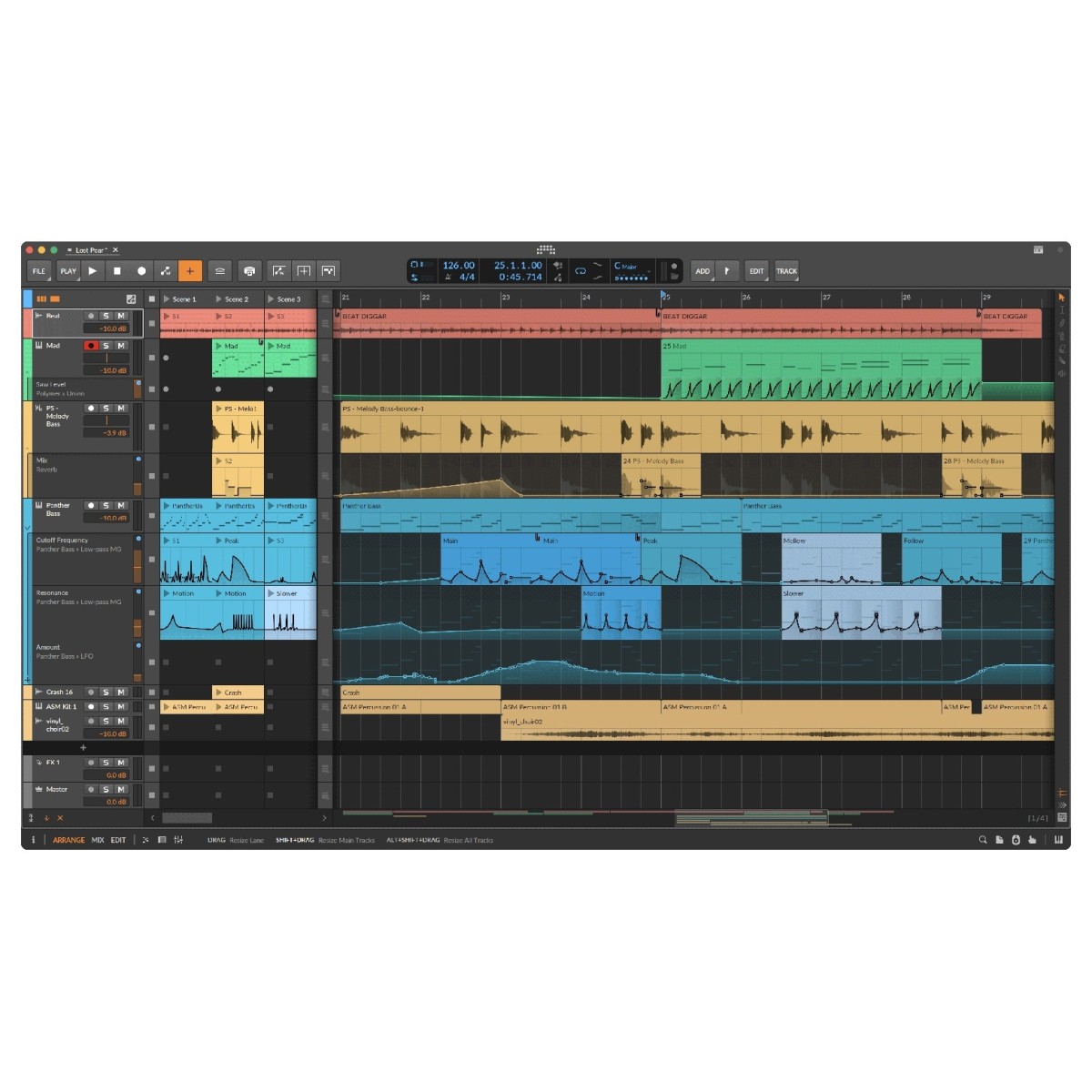
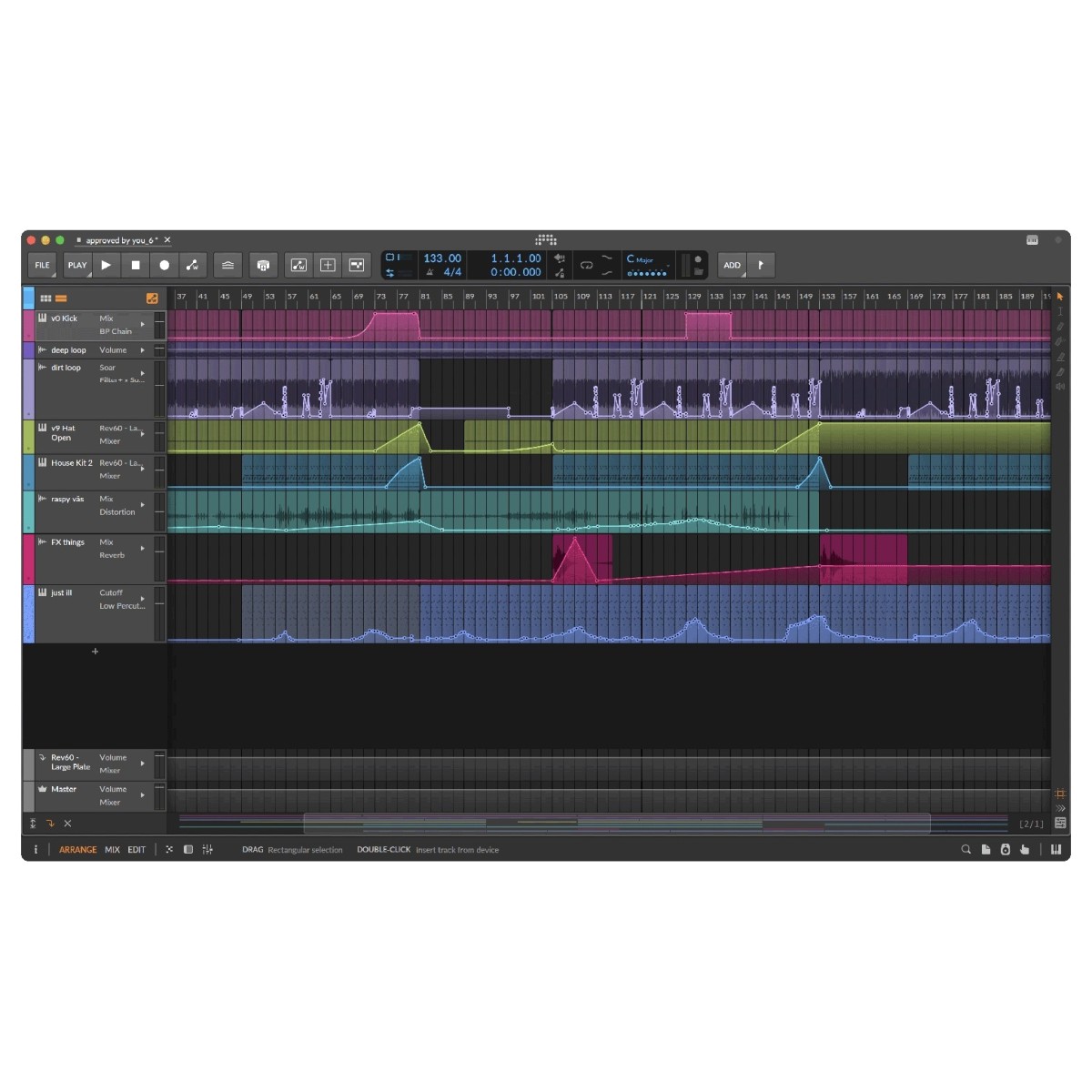
Bitwig Studio Producer expands on the Essentials edition with unlimited audio, MIDI, and hybrid tracks, giving you room to develop detailed arrangements without track-count restrictions. Its integrated Arranger timeline and Clip Launcher support both traditional recording and spontaneous experimentation, letting you build songs or improvise musical ideas.
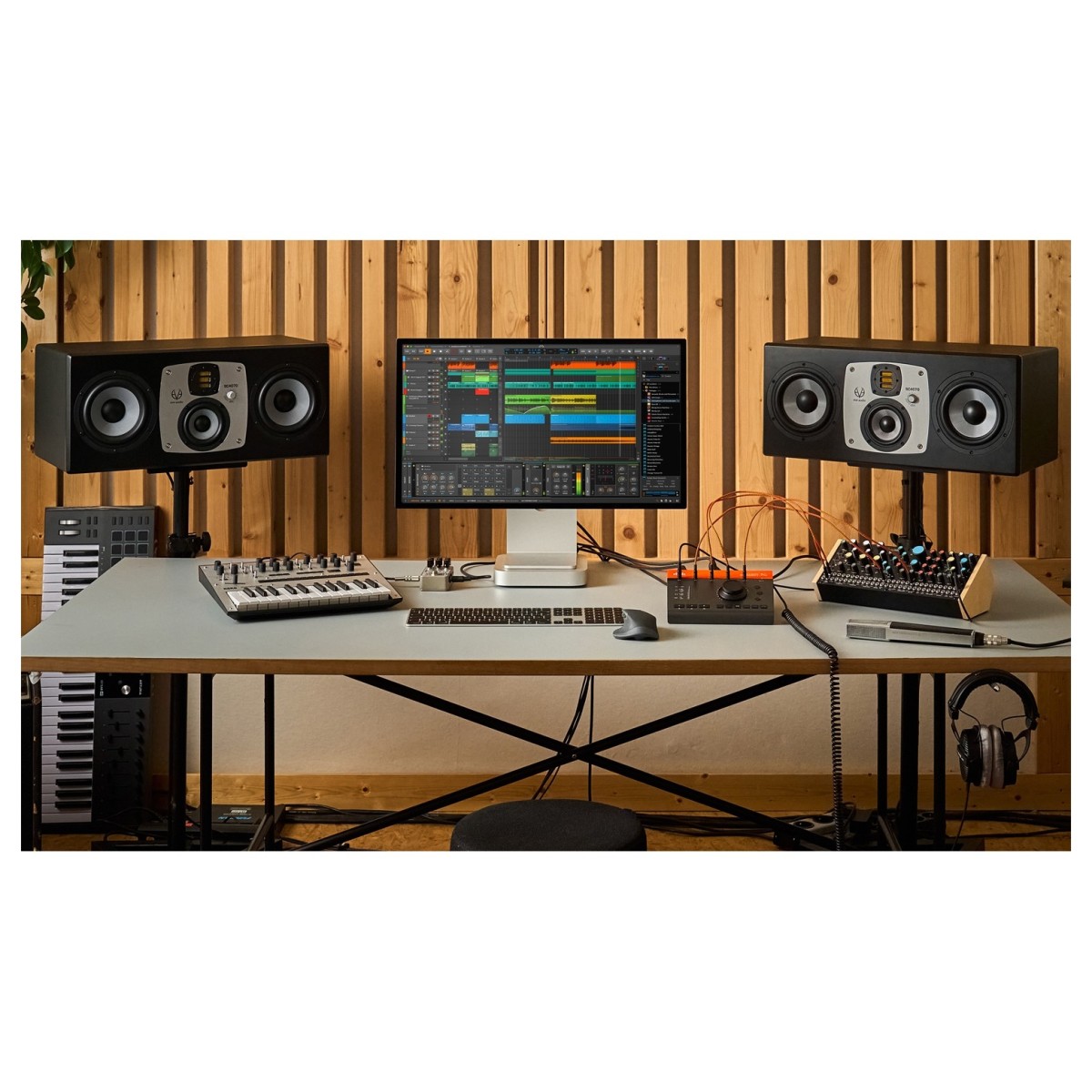
Record directly into either workspace, then refine performances using audio comping to combine your preferred takes. Hybrid tracks accommodate audio and MIDI together, while clip aliases link repeated sections across your arrangement. The flexible interface also supports up to three displays, multi-touch interaction, and multiple open projects, helping you organise larger sessions.
Explore 92 instruments and effects
Producer includes 92 instruments and effects, offering a broader selection than Essentials for synthesis, processing, and music production.
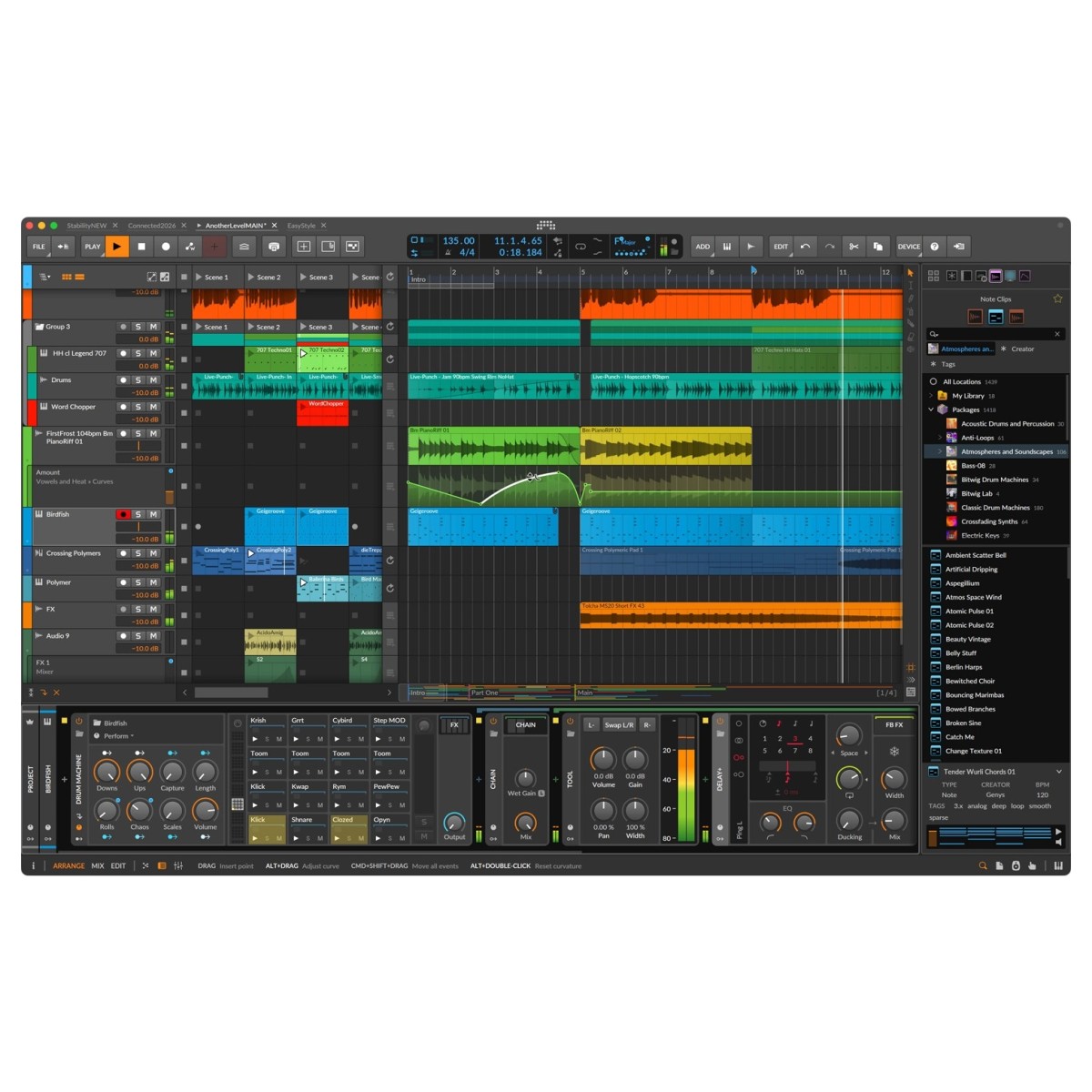
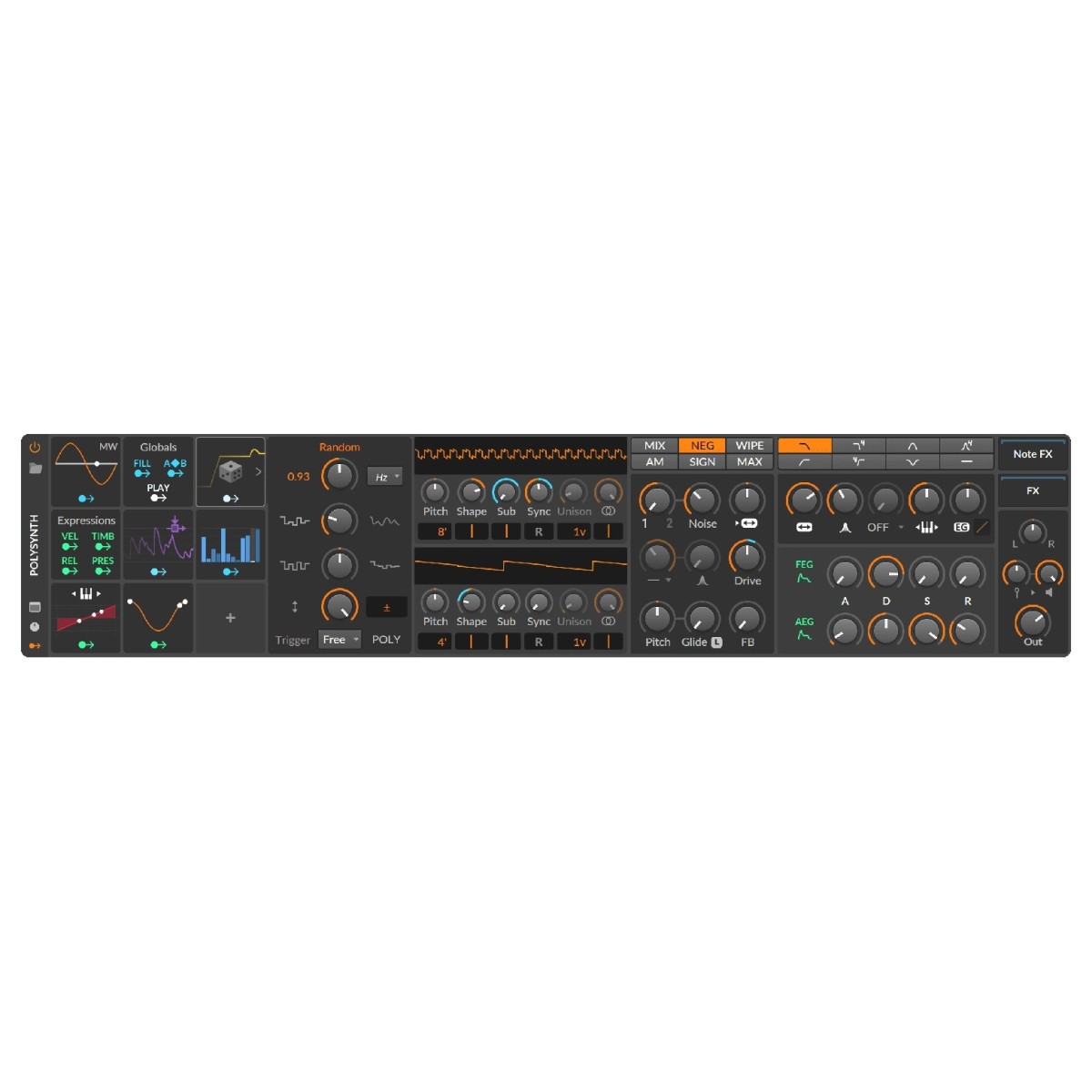
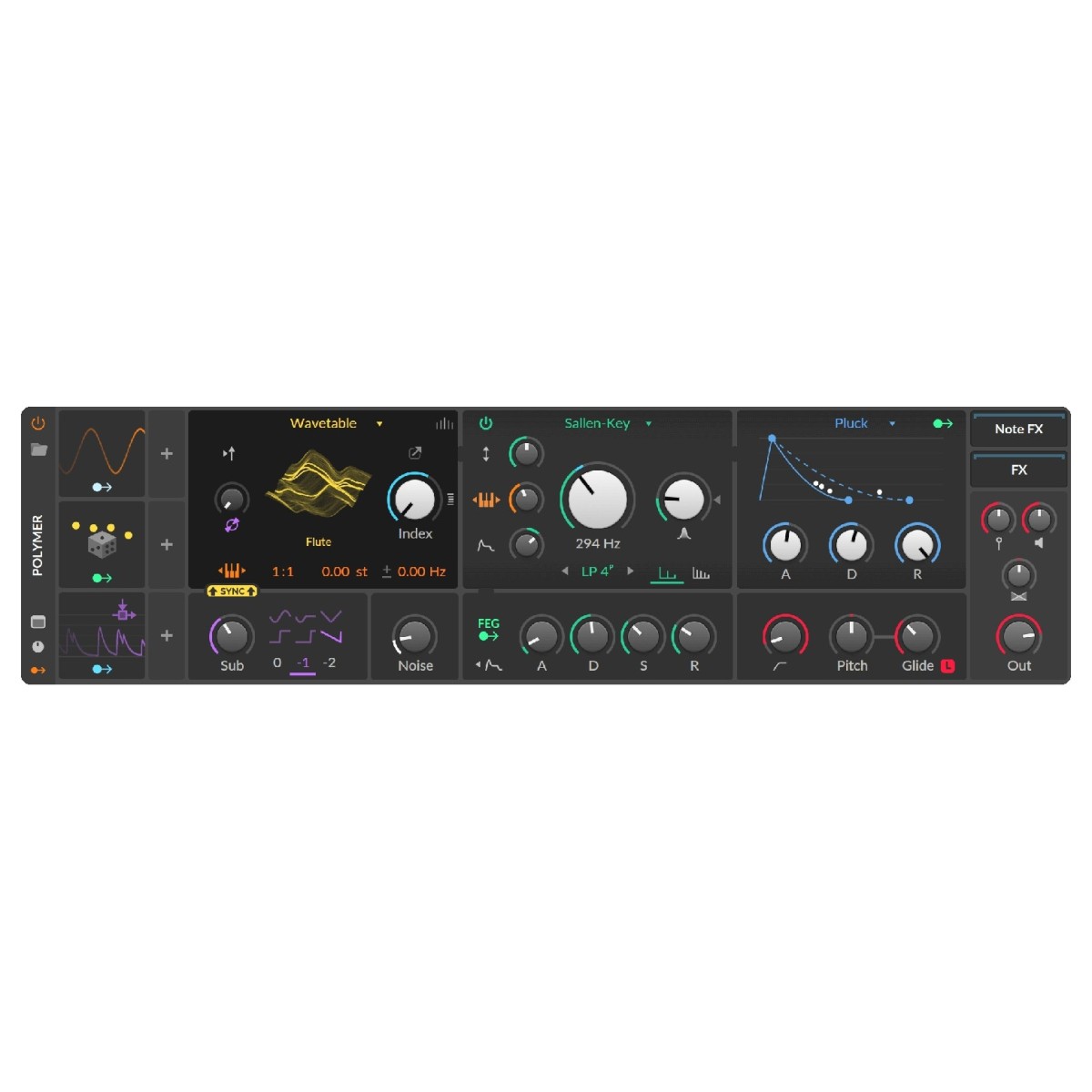
Polymer provides flexible sound creation through interchangeable oscillators, filters, and envelopes, while Polysynth expands your synthesiser options. Drum Machine lets you combine samples and electronic drum synthesis, with individual processing chains for each note.
Additional devices include Delay-4 and Humanize, alongside audio effects, note processors, and creative sound-shaping tools. An extended library of presets, loops, and samples provides starting material for new tracks, while Bitwig's context-aware browser helps you locate instruments, effects, and sounds without interrupting your workflow.
Shape your music with expressive modulation
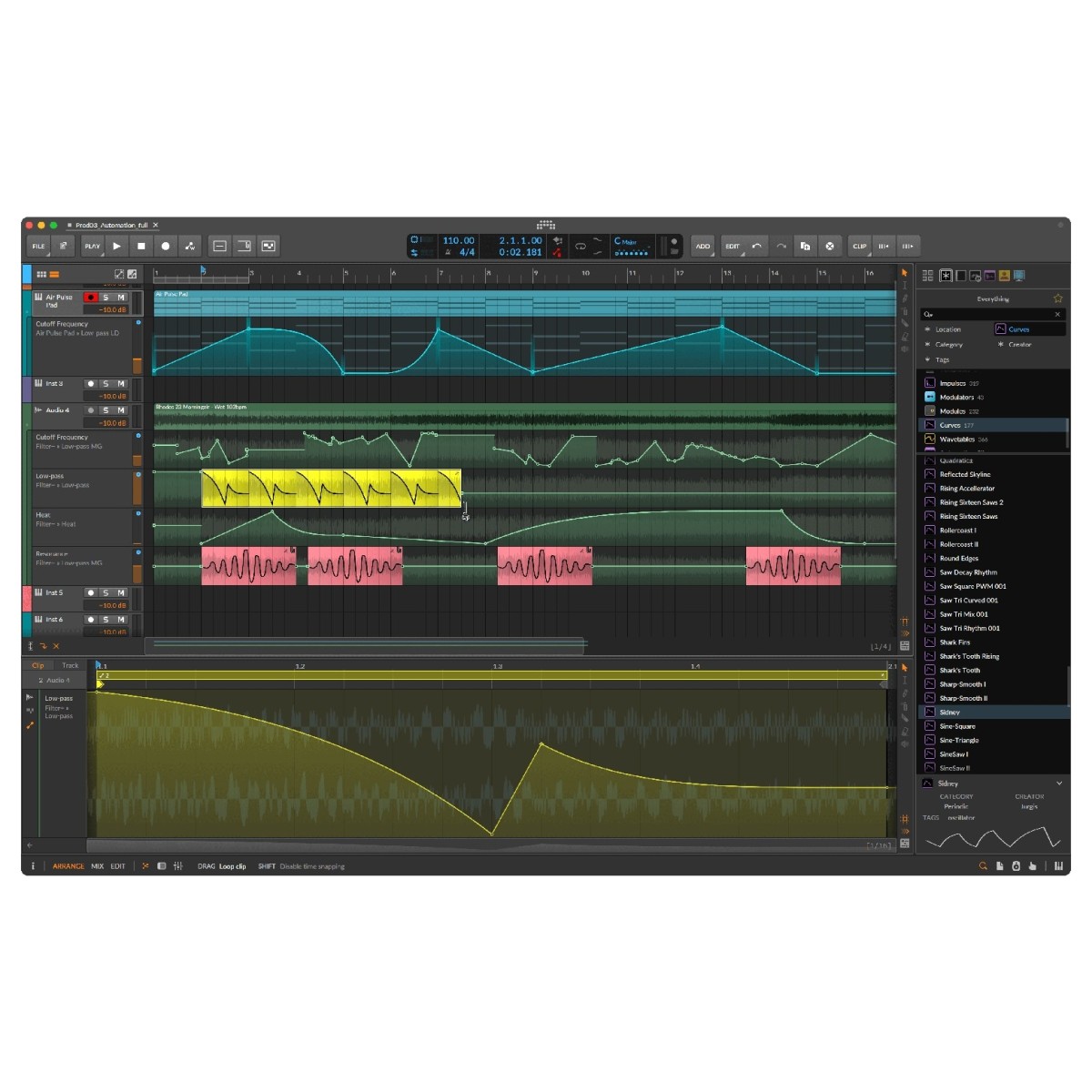
With 18 included modulators, Bitwig Studio Producer provides detailed control over instrument and effect parameters. Modulation can introduce movement into synthesiser patches, transform effect settings, or create evolving sounds that respond dynamically during playback.
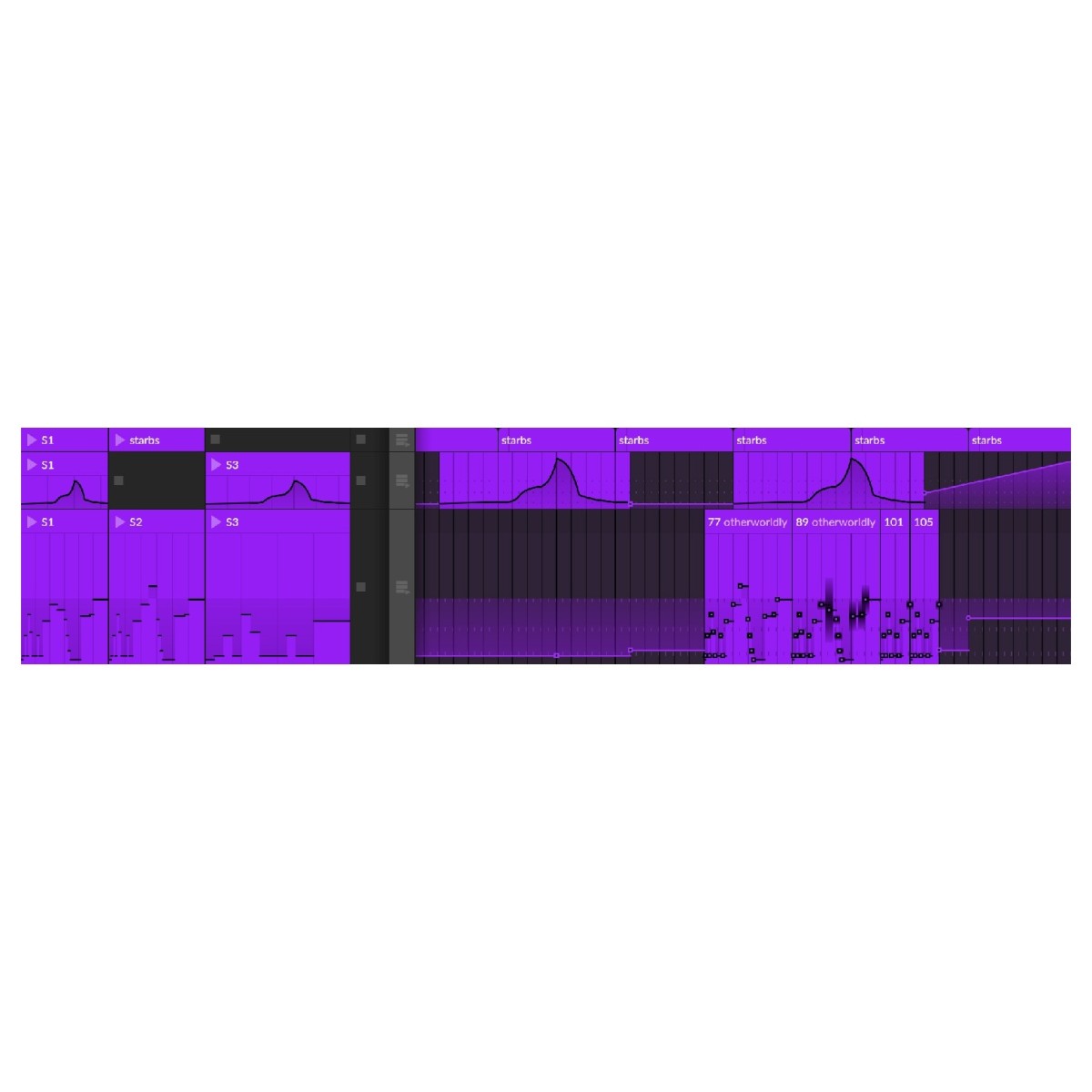
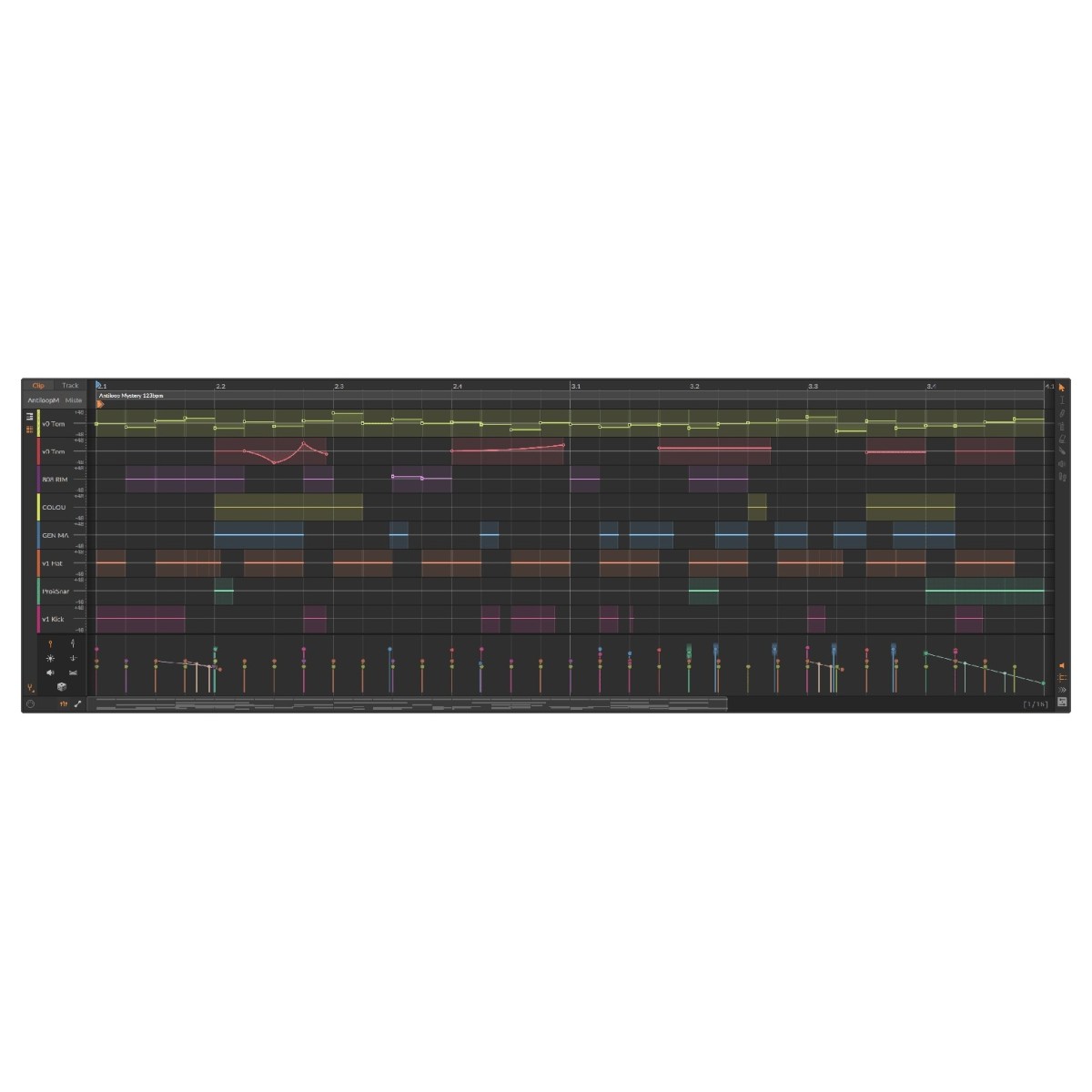
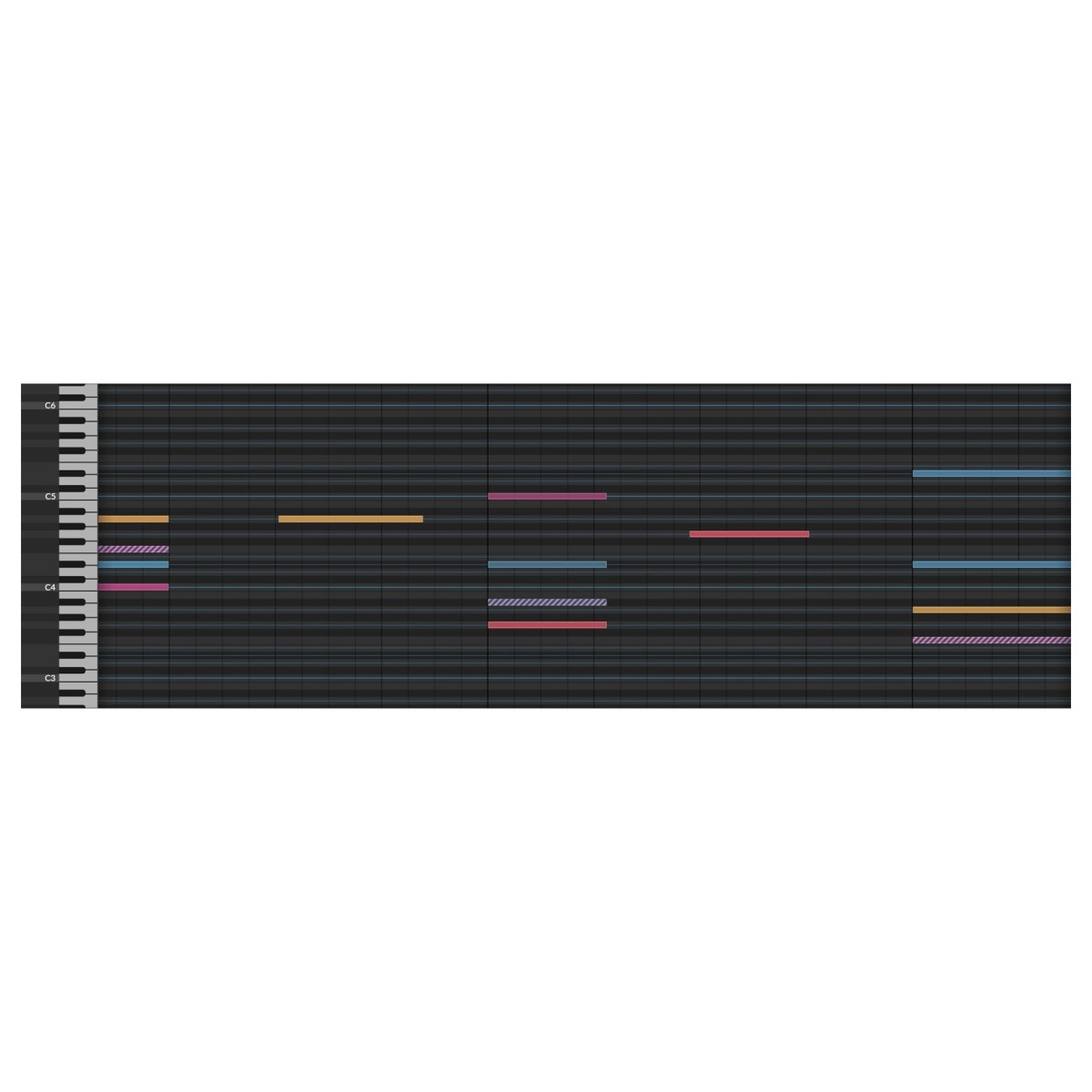
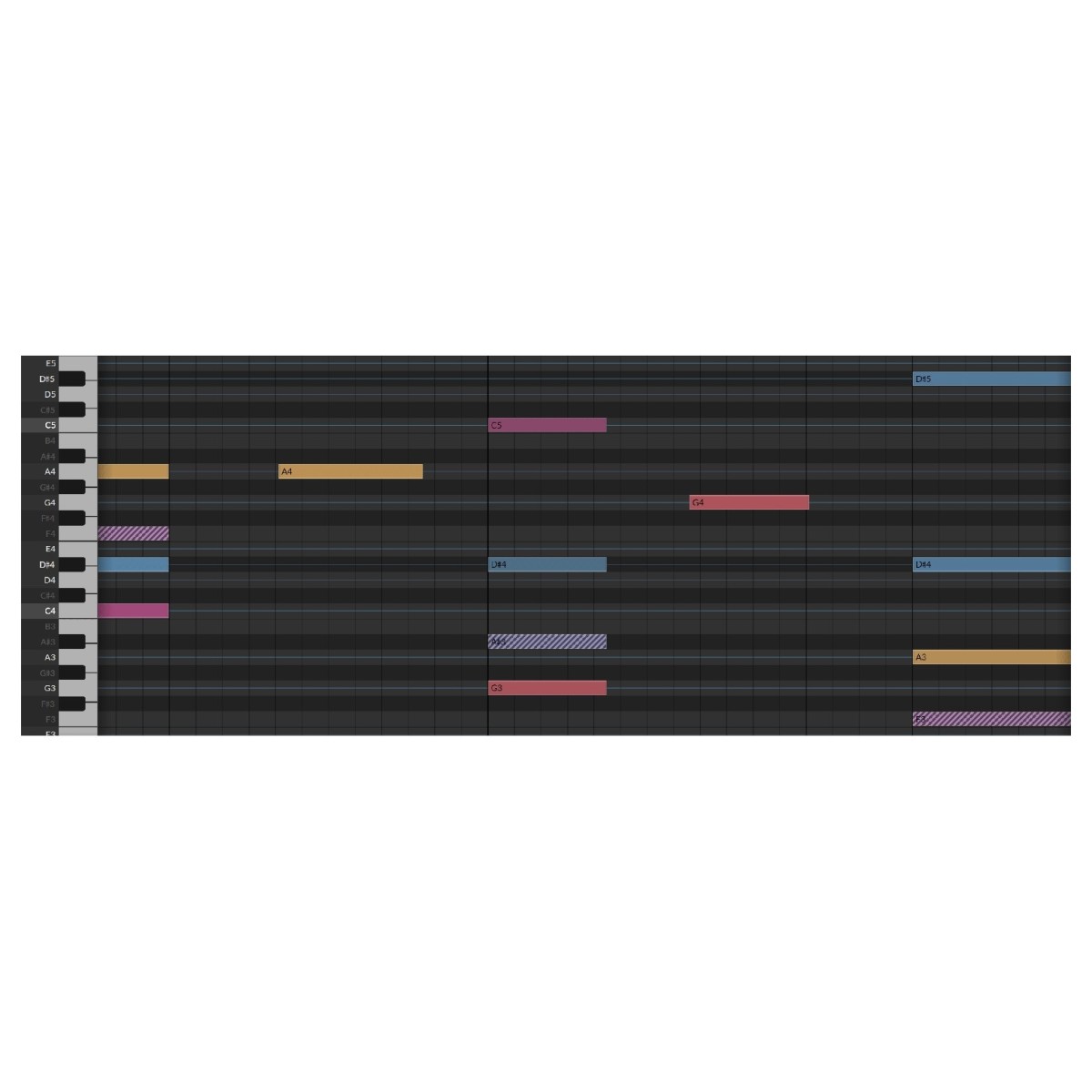
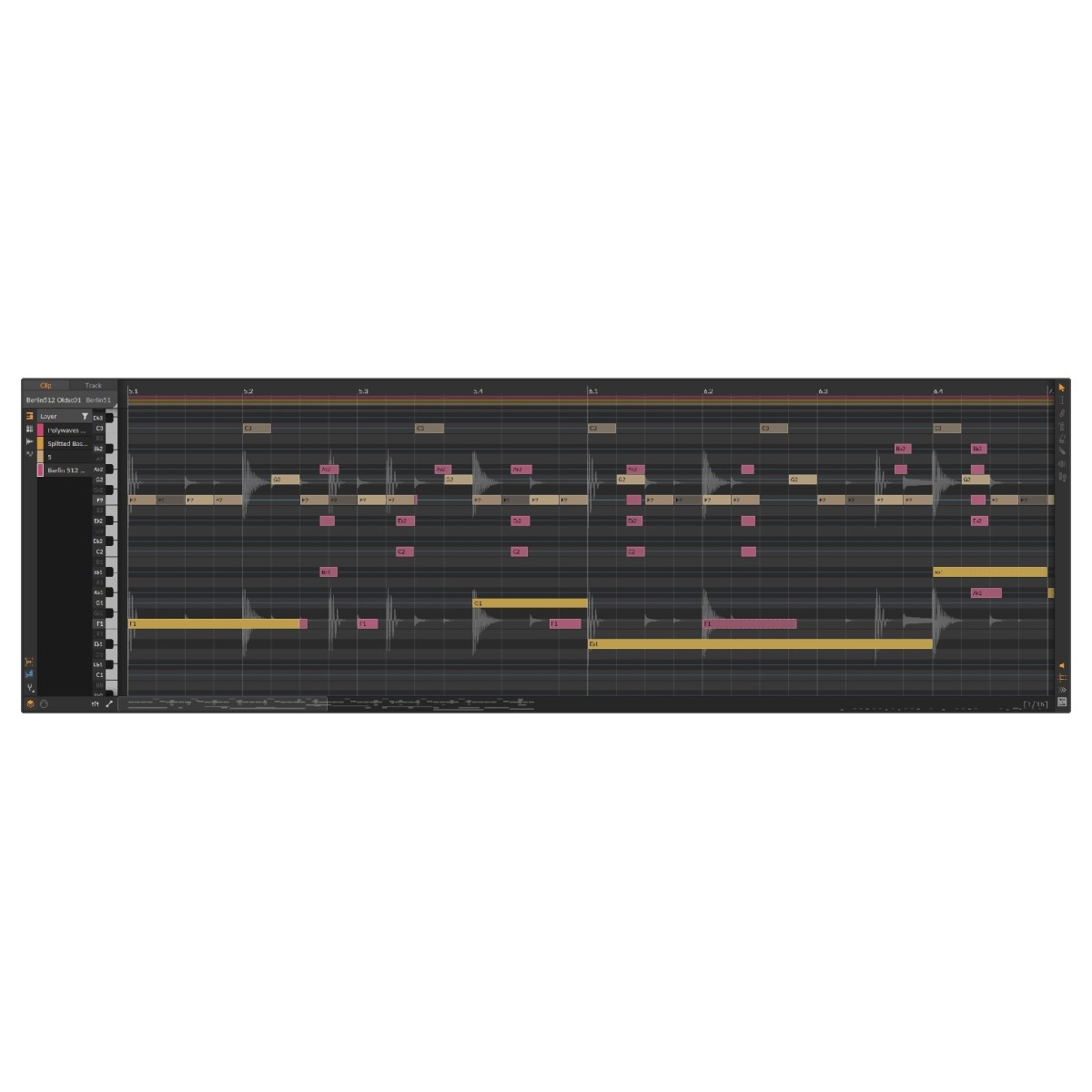
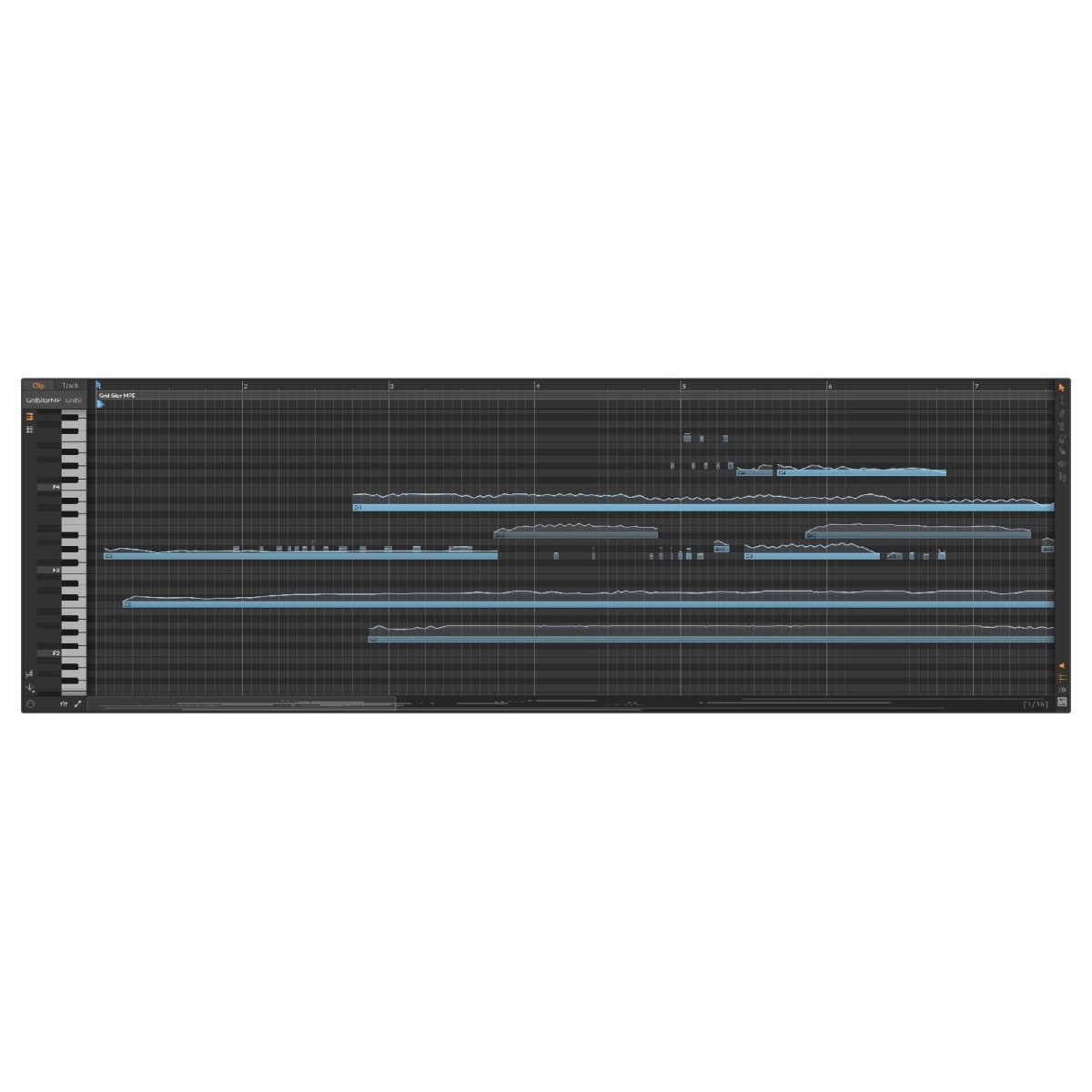
The advanced automation system supports track-based automation and dedicated automation clips with independent looping, adjustable start times, stretching, and clip aliases. Expressive MIDI editing adds further possibilities, including individual note pressure, panning, and micro-pitch control. Operators can also influence when and how notes play, making it easier to develop rhythmic variations and less predictable sequences.
Slice and rearrange samples in Bitwig 6.1
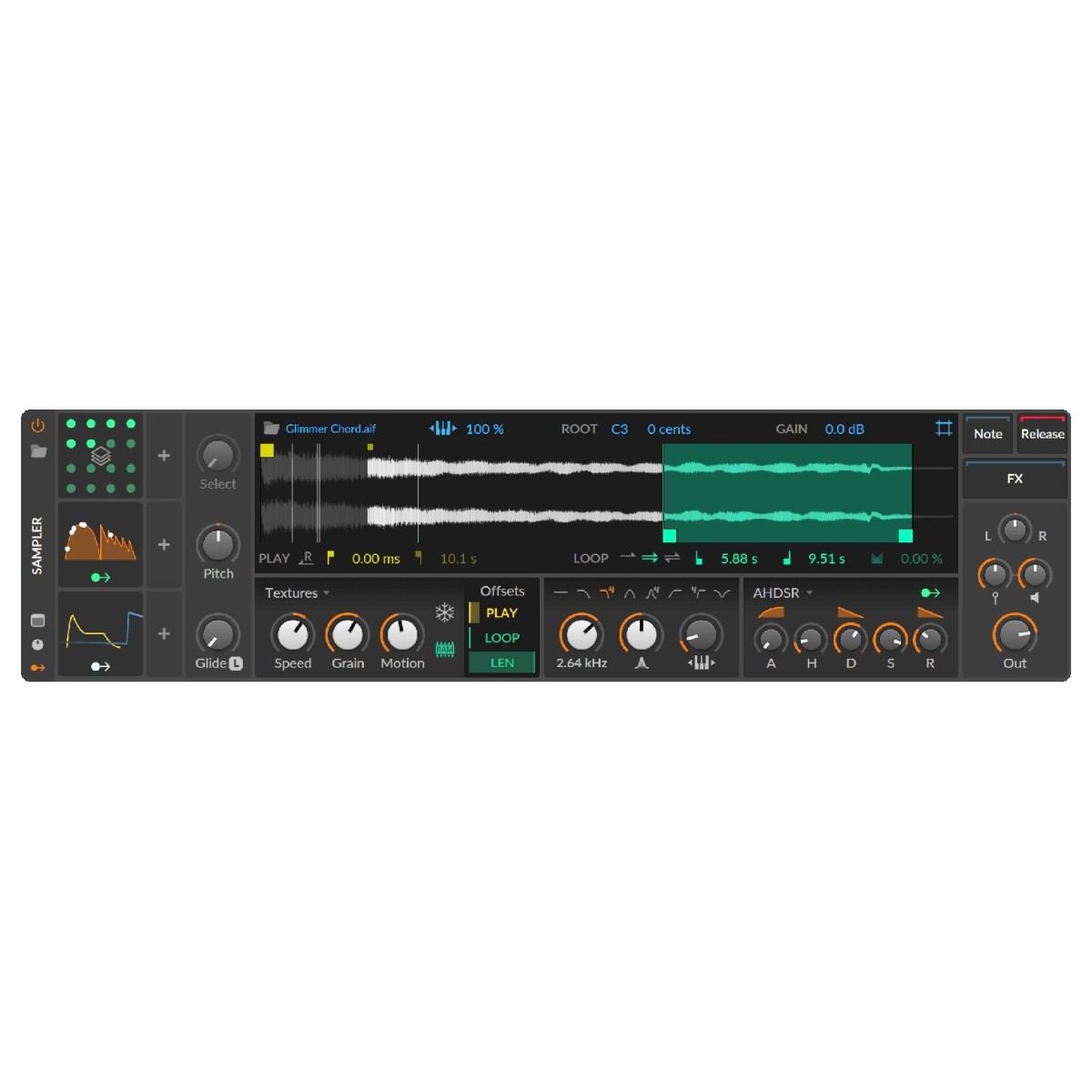
The redesigned Sampler introduces advanced slicing across every playback mode, allowing you to divide recordings into playable sections using beat divisions, automatic onset detection, pitch analysis, or manual markers. Trigger slices through MIDI notes, velocity, or the Select parameter to rearrange drum loops, isolate vocal phrases, and create new patterns. Clips can also be transferred directly from the Arranger or Clip Launcher into Sampler.
Per-slice looping and modulation provide additional control, letting individual sections behave differently during playback. This makes Sampler useful for both conventional sample-based instruments and more experimental rhythmic sound design.
Play samples melodically with intelligent pitch detection
Bitwig 6.1 introduces dynamic pitch analysis that automatically identifies pitch information within samples. Instead of manually assigning a root note, you can enable analysis and have the audio follow incoming MIDI notes. This functionality works across playback modes, including sliced and multisampled instruments, allowing recorded material to become playable melodies or chords.
In Repitch mode, Sampler dynamically adjusts playback speed to match incoming notes, producing distinctive pitch-tracking effects. Automatic tempo detection also helps synchronise samples with your project BPM, reducing manual preparation when working with loops.
Stretch audio creatively with Spectral mode
The new Spectral playback mode separates playback speed from pitch, allowing you to stretch samples while maintaining their tuning. This is useful for adapting drum loops, vocals, and melodic phrases to different project tempos.
Preserve Onsets helps retain transient definition when stretching rhythmic material, while formant processing offers control over the tonal character of your audio. For more experimental results, harmonic bending reshapes a sample's harmonic content, while scale-based harmonic quantisation lets you align harmonics with a chosen musical scale.
Design granular textures with Fragments
Fragments introduces advanced granular playback, generating up to 256 independent grains per voice. Each grain features adjustable playback rate, direction, position, and size, allowing you to reconstruct audio into detailed textures.
Slow playback creates sustained, oscillator-like sounds, while random motion introduces evolving variations. Grains can also synchronise to project tempo for rhythmic processing. Adjustable envelopes let you move between smooth and percussive textures, with individual grains capable of repeating up to 16 times for increased density.
Add analogue and digital character to samples
Sampler's updated Repitch mode includes Analog and Digital processing characters inspired by traditional sampling hardware. Analog introduces tape-style saturation and tonal colouration, while Digital recreates characteristics associated with classic 1990s samplers and more pronounced digital processing.
Cycles mode also receives additional synthesis controls, including pulse-width adjustment, phase modulation, and odd/even harmonic balancing. Engaging Freeze creates oscillator-like playback, while the new Duophonic option crossfades between two Cycles engines for smoother transitions.
Create detailed multisampled instruments
Bitwig 6.1 improves multisample editing with quicker instrument creation and more flexible zone management. Dragging multiple samples onto a track can automatically create a round-robin instrument, while modifier-assisted dragging allows samples to be layered and tuned.
Zones can be muted or soloed individually, and the Histogram provides simultaneous editing across multiple selected zones. Live Select Updating also enables transitions between samples using pressure or modulation.
Further improvements include onset snapping, adjustable loop-release behaviour, updated playhead visualisations, and a Bell filter for per-voice tonal shaping. The new Tuner device provides additional pitch analysis functionality.
Connect external hardware and expand your setup
Bitwig Studio Producer supports external equipment through MIDI, CC, CV, Gate, MIDI Clock, and MIDI Timecode, allowing you to sequence instruments, synchronise drum machines, and control software parameters using physical hardware.
Its modern architecture supports multiple audio interfaces, CLAP plug-ins, and the DAWproject format, alongside Windows, macOS, and Linux compatibility.
Combined with its unlimited tracks, expanded device collection, and flexible modulation tools, Producer provides a comprehensive environment for developing complete productions and live performances.
Specifications
- Operating system:
- Mac: macOS 12 or later (including Monterey)
- Windows: Windows 10 - 11 (64-bit)
- Linux: Ubuntu 24.04 or later, or a modern distro with Flatpak installed
- CPU:
- Mac: An Apple silicon CPU or 64-bit Intel with AVX2 support
- Windows: AMD or Intel CPU with AVX2 support
- Linux: 64-bit x86 CPU with AVX2 support
- Display: Minimum 1280 x 768 pixel screen resolution
- RAM: Minimum 4GB RAM
- Disk space: 12GB for full content installation
- Activation: Internet connection to download bundled content (not included with installer)
- Product code: 1271-25