Full Description
View Full Description
Novation Launchpad PRO Performance Instrument
Versatile Operation Modes
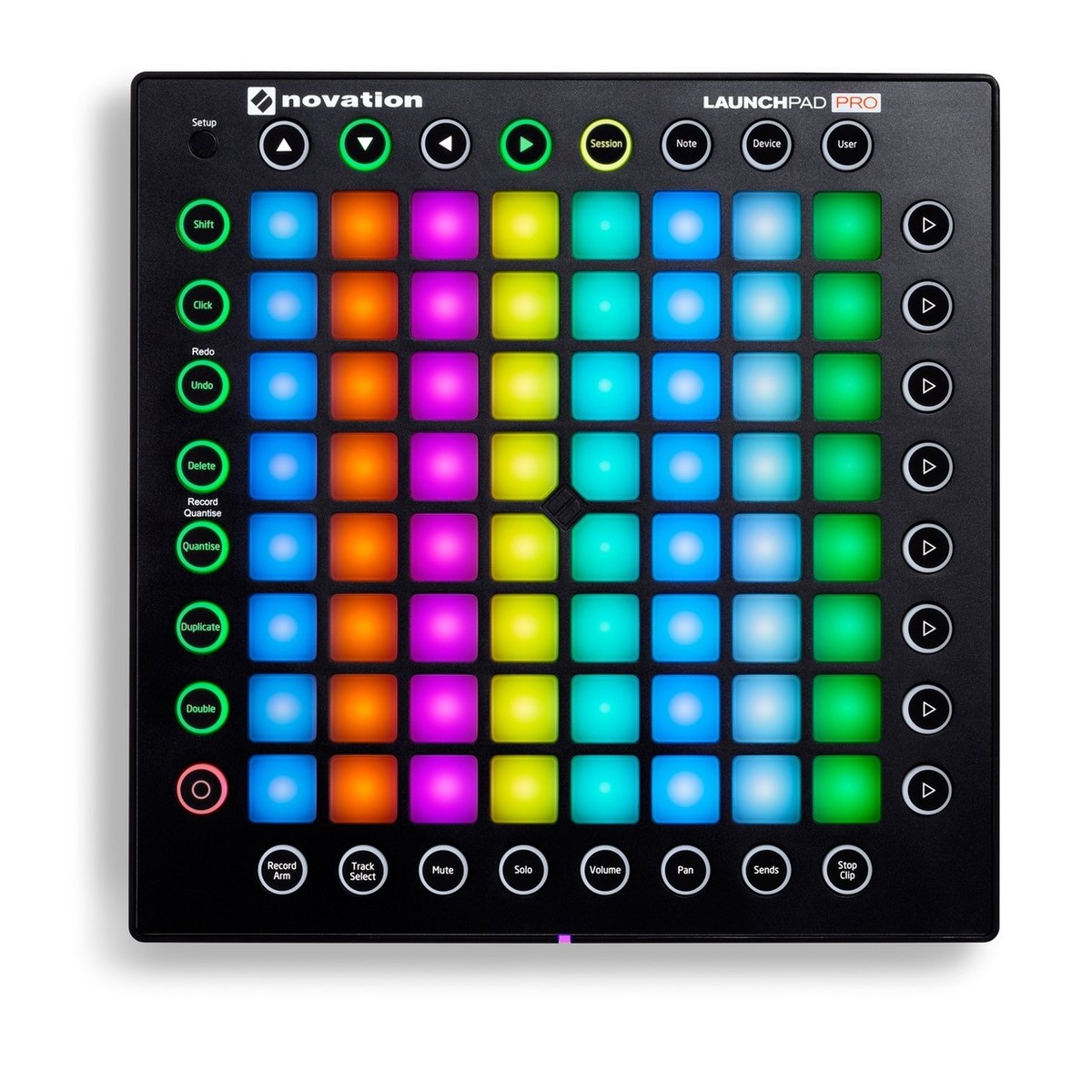
Novation understand the pressures of performing live. That's why they have made it as easy as possible to control Ableton Live with Launchpad PRO, by building in four simple modes that streamline everything for you:
-
Session Mode: Immediately trigger and combine your clips.
-
Note Mode: Create dynamic beats and play the grid just like an instrument.
-
Device Mode: Easily apply effects to your performance.
-
User Mode: Create unique custom performances and layouts
The whole instrument is designed to keep you focused on your performance. It lets you easily and immediately apply effects, while dipping in and out of specific mixer controls at the touch of a button. Of course, if you want to get really creative, you can build just about anything you can imagine with Max for Live and use your Launchpad PRO to control it.
It's sleek, lightweight and tough enough that you can throw it in your bag and know it will survive even the roughest gigs. It also comes with everything you need to get started; just plug it in and start making music.
Enhance Your Performance
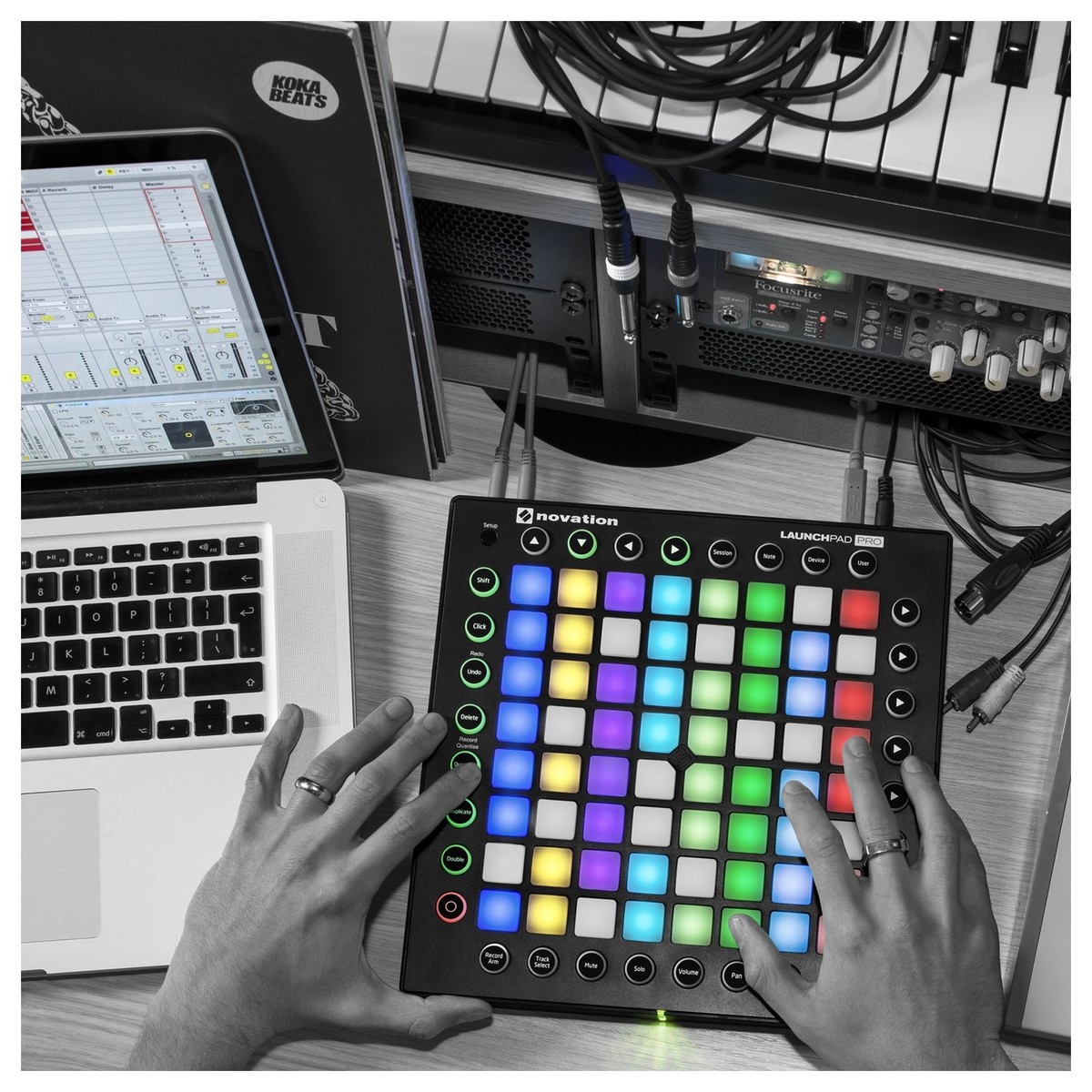
Launchpad PRO is the best and simplest performance grid instrument for Ableton Live. It integrates seamlessly and simplifies the challenge of performing live in Ableton, by giving you hands-on control of your clips and tracks with four simple modes: Session, Note, Device and User. You don't need to set anything up; simply plug in and starting playing your music - everything will just work.
Control Just About Anything
Whichever software you're using, Launchpad PRO lets you control it and any piece of external hardware. Plug it straight into Logic PRO and play it like a keyboard, or connect the MIDI ports to Bass Station II and play riffs on your grid.
Immediately Play Your Clips
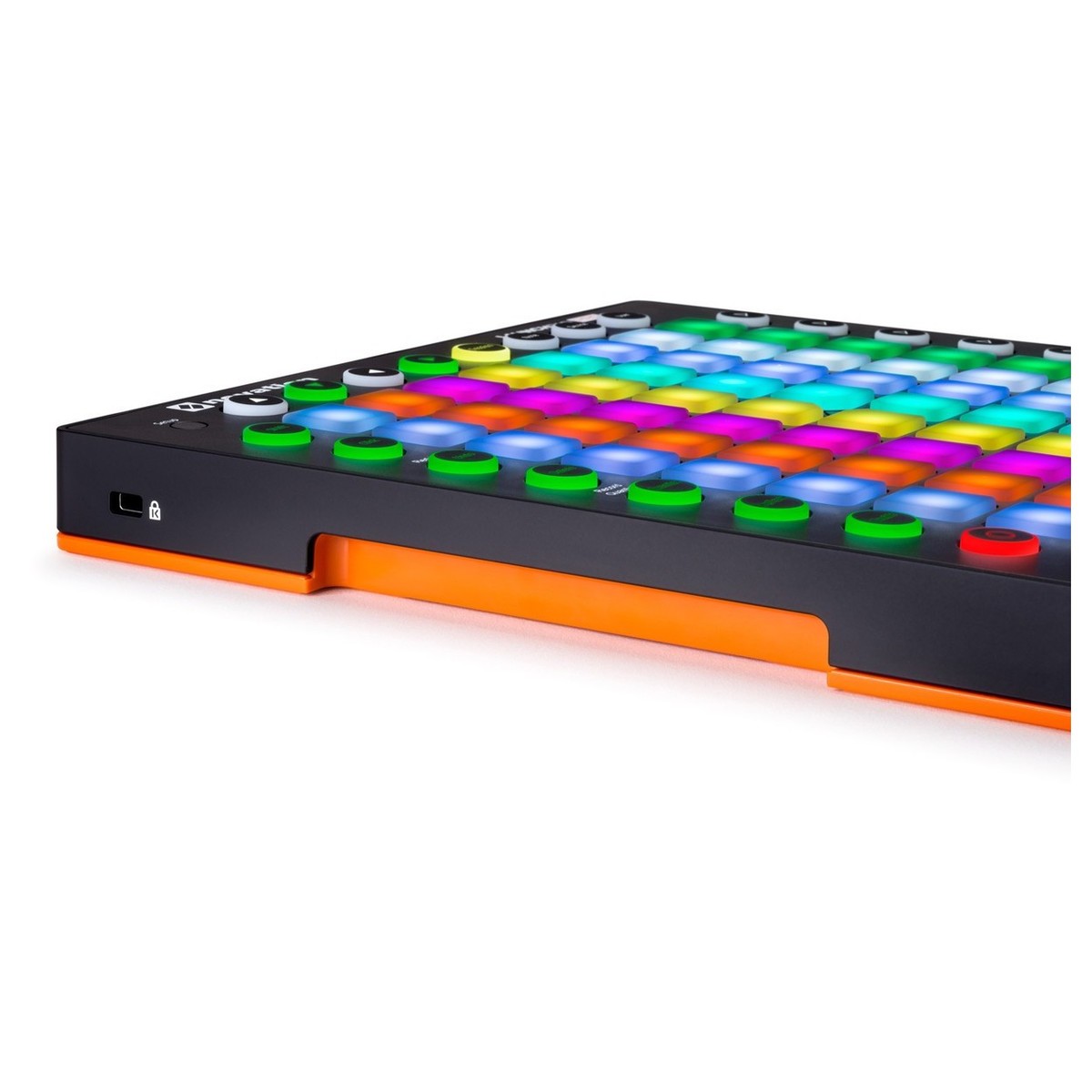
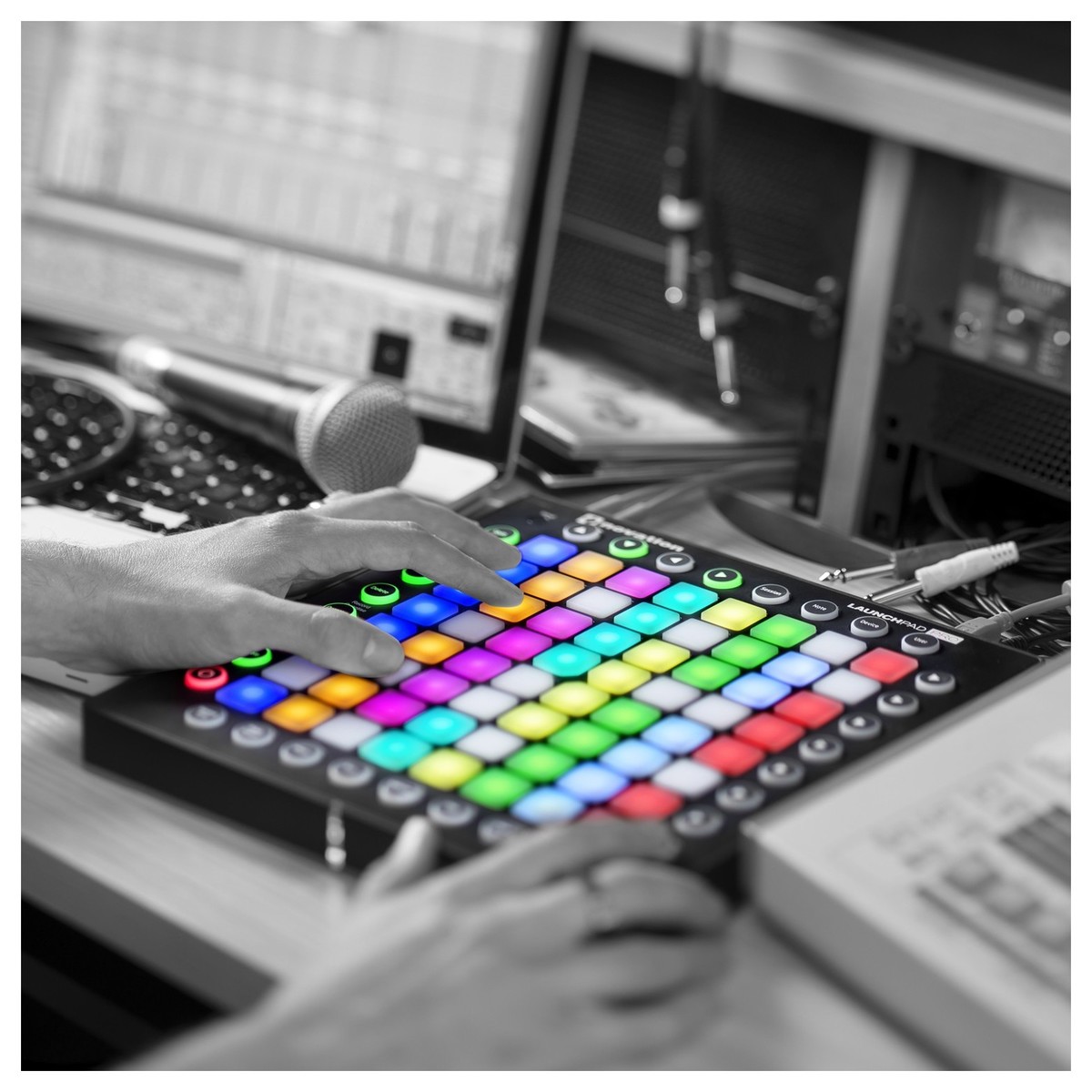
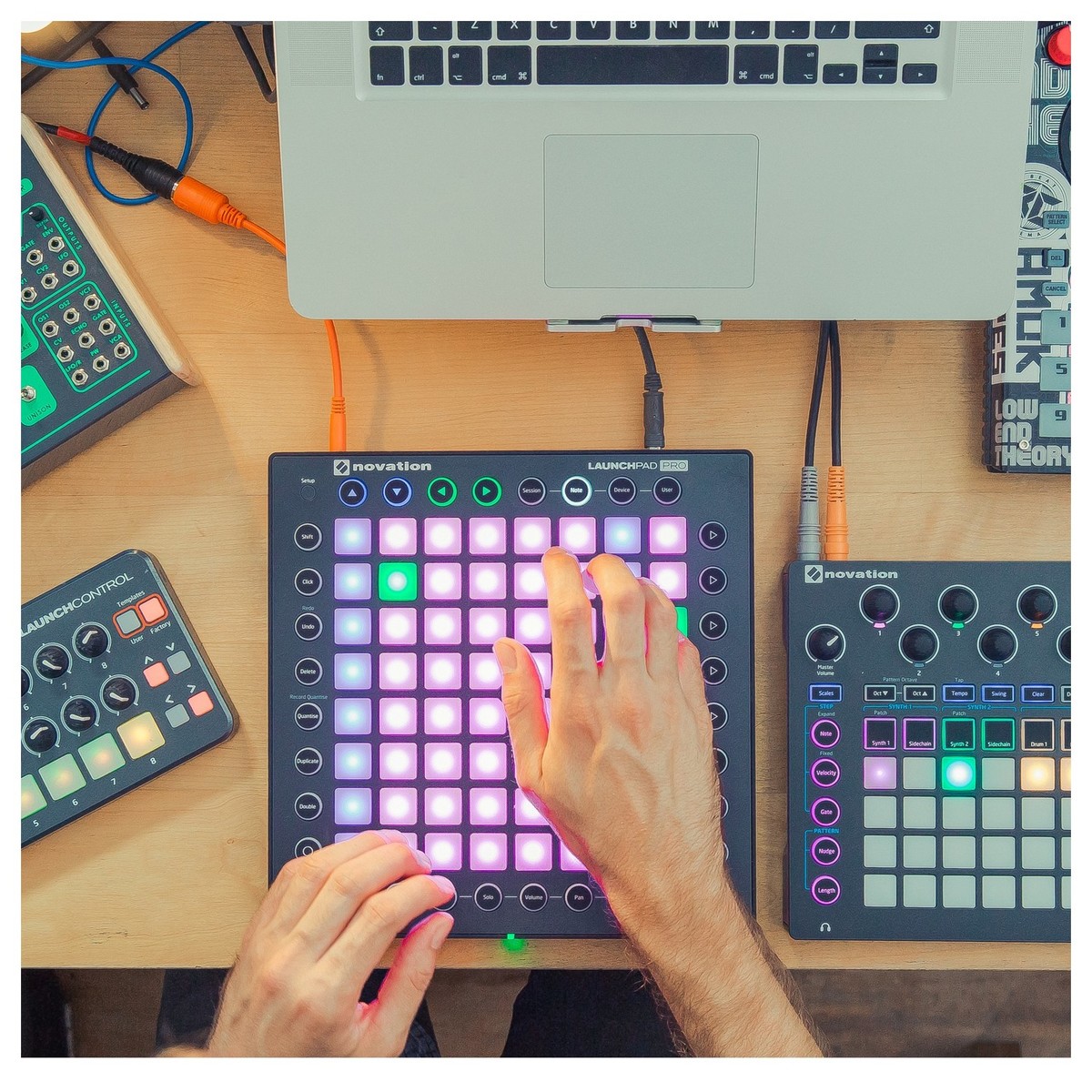
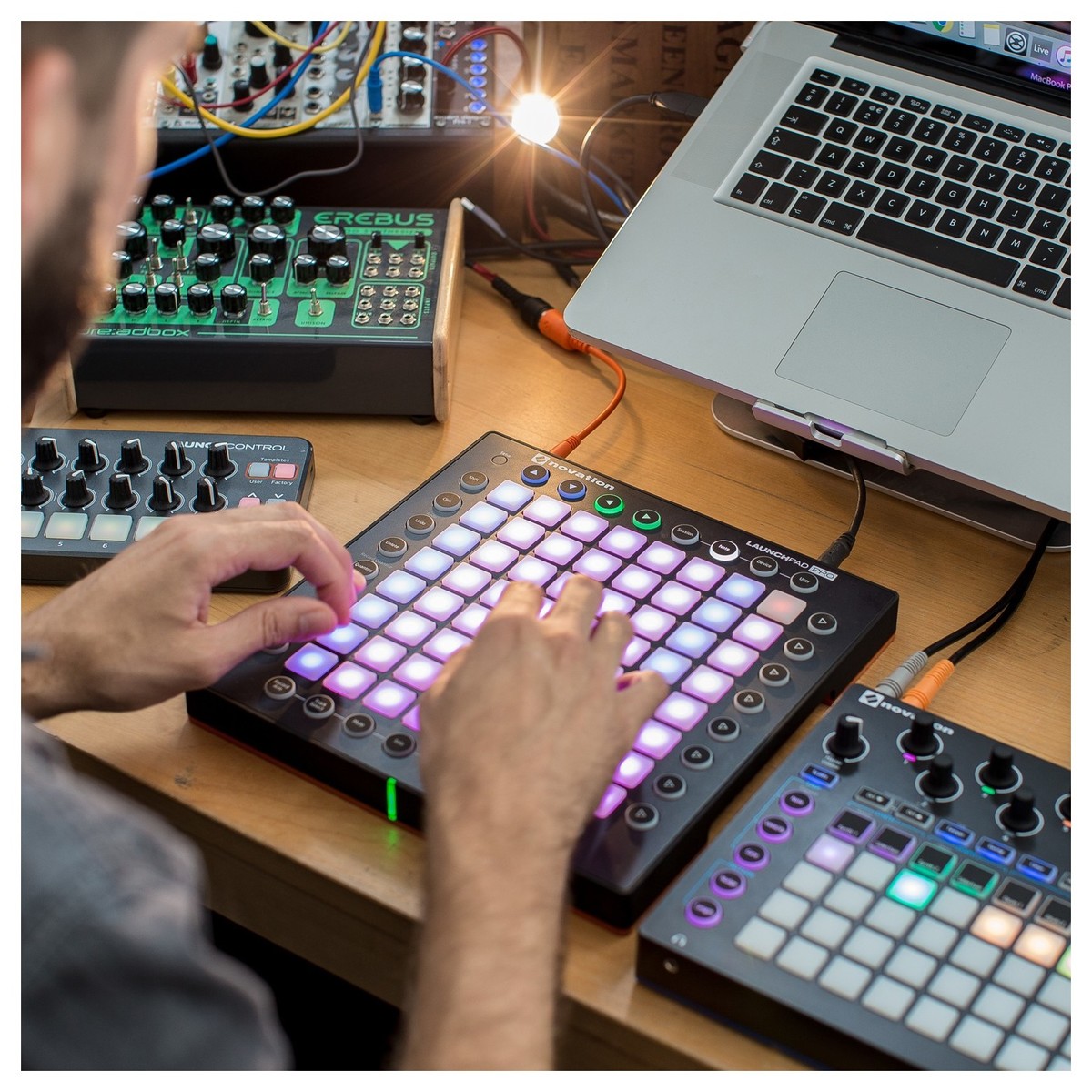
The 8x8 grid of RGB pads light up to match the colour of your clips in Ableton, so you can concentrate on triggering and combining your loops and ideas.
Make Dynamic Beats
Drum racks are automatically laid out and illuminated, which makes it as easy as possible to create expressive beats and drum performances using the velocity and pressure-sensitive pads.
Play It Like An Instrument
You can easily play notes, scales and chords on the grid, because Launchpad PRO illuminates its pads in melodic layouts. You'll get RGB LED feedback every time you press a pad and, if you're in Standalone Mode, you can use the grid to play any of your software and external hardware, too.
Mix Without Losing Focus
Get slick, immediate access to all your mixer controls mid-performance, so you stay in your flow. There's no need to enter a separate mixer mode; press and hold a mixer function button (like mute or volume), make a change, and then simply release the button to drop straight back into your performance.
Easily Control Your Effects
Control any Ableton effect or instrument mid-performance to add engaging, expressive effects like reverb, beat repeats and filters. The button grid turns into eight velocity-sensitive vertical faders, with LED feedback for super smooth effect transitions.
Make Music Immediately
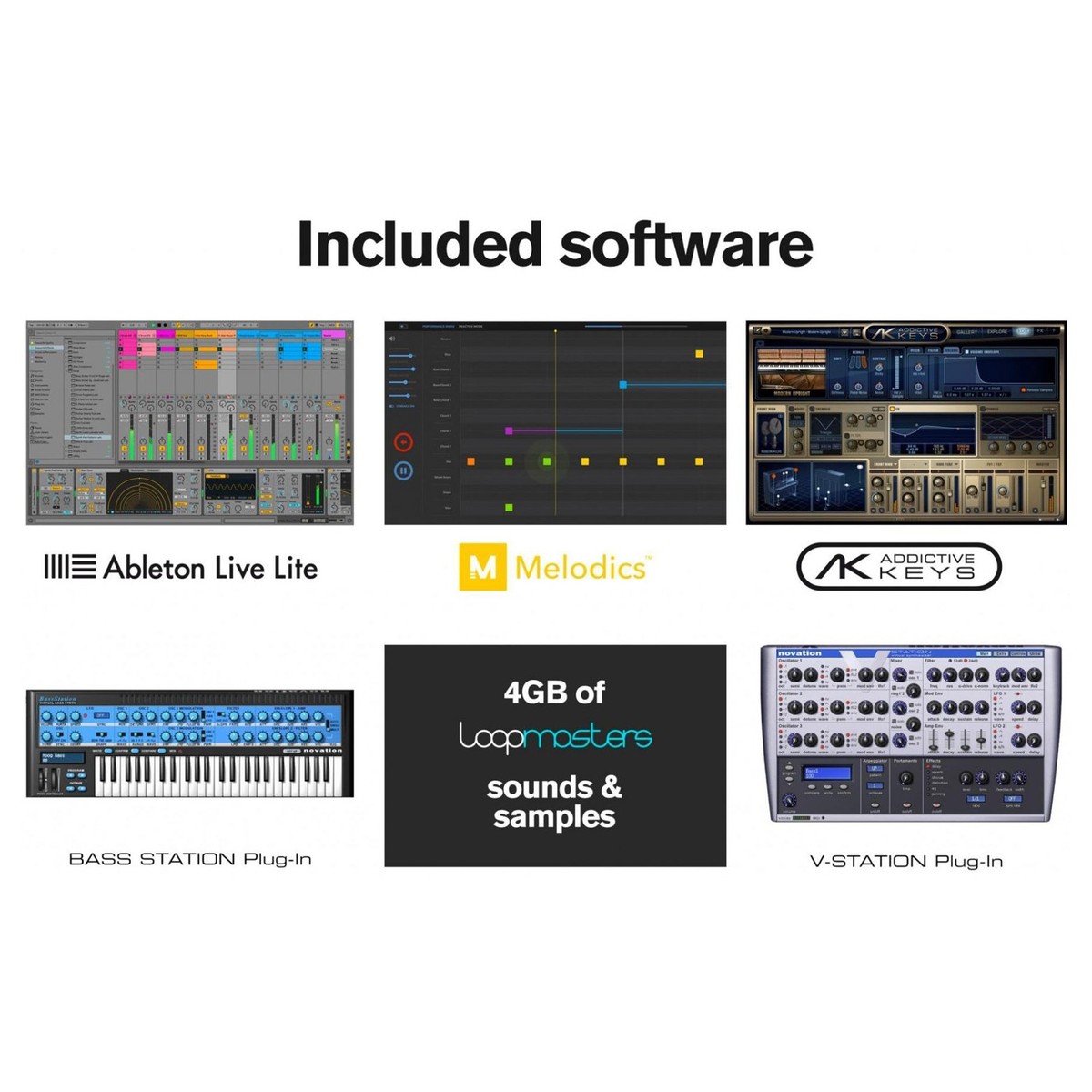
Comes with Ableton Live Lite music making software, 4GB of Loopmasters samples, and Bass Station and V Station plug-in synthesisers. It's class compliant and doesn't need any drivers: you just install the software, plug it in and start performing. Also included is your choice of one of four XLN Audio Addictive Keys instruments. This gives you the choice of Modern Upright, Studio Grand, Electric Grand and Mark One piano VSTs.
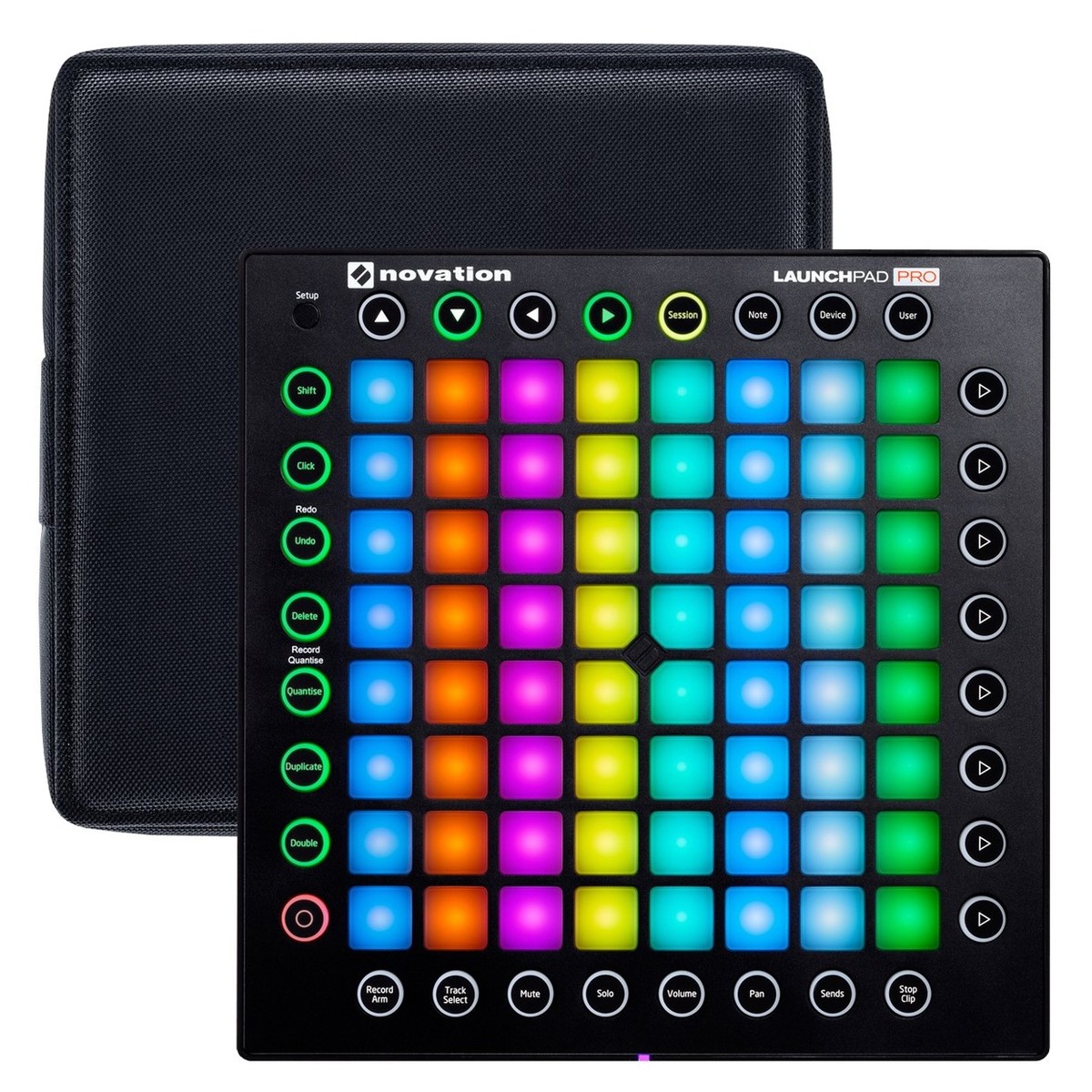
Novation Launchpad Pro Case
Optimal Protection, Anywhere
The Novation Launchpad Pro Case is designed to protect your Launchpad Pro Controller while in use and on the move. The unique two-piece design features integrated Velcro straps which secure the top and bottom sections for added stability. The lid and the bottom of the case is removable so you can use the case as desk tray, protecting against anything underneath the controller and absorbing any vibrations while in use. You can also place the lid underneath the base of the case to increase the height of your Launchpad Pro while in use. The bottom section of the case also features a cut-out section at the rear to access Launchpad’ Pro’s connections and power supply socket, providing quick and easy access.
Features
Novation Launchpad PRO Performance Instrument
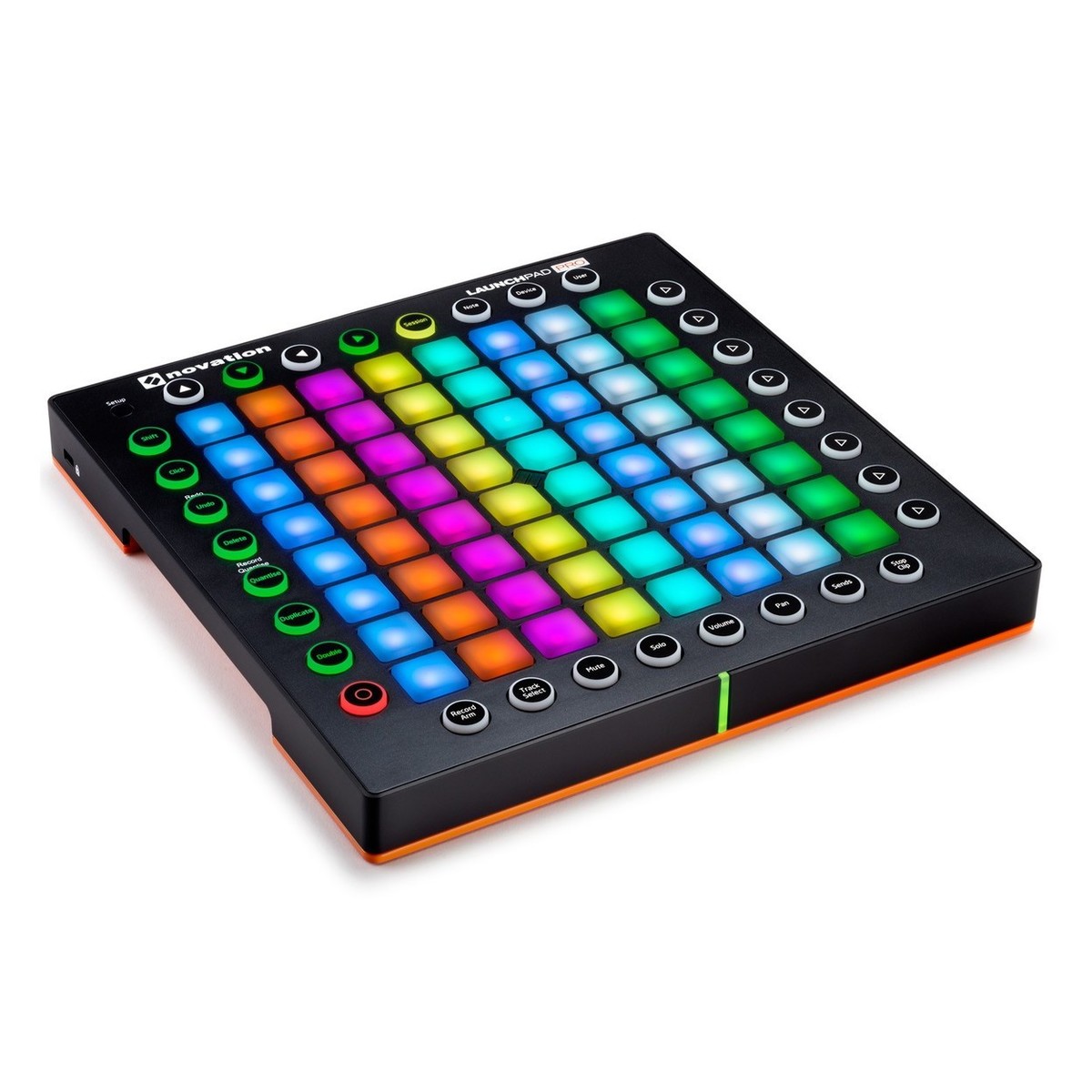
- 64 RGB backlit velocity and pressure sensitive button grid
- 32 RGB backlit round mode buttons
- One setup button
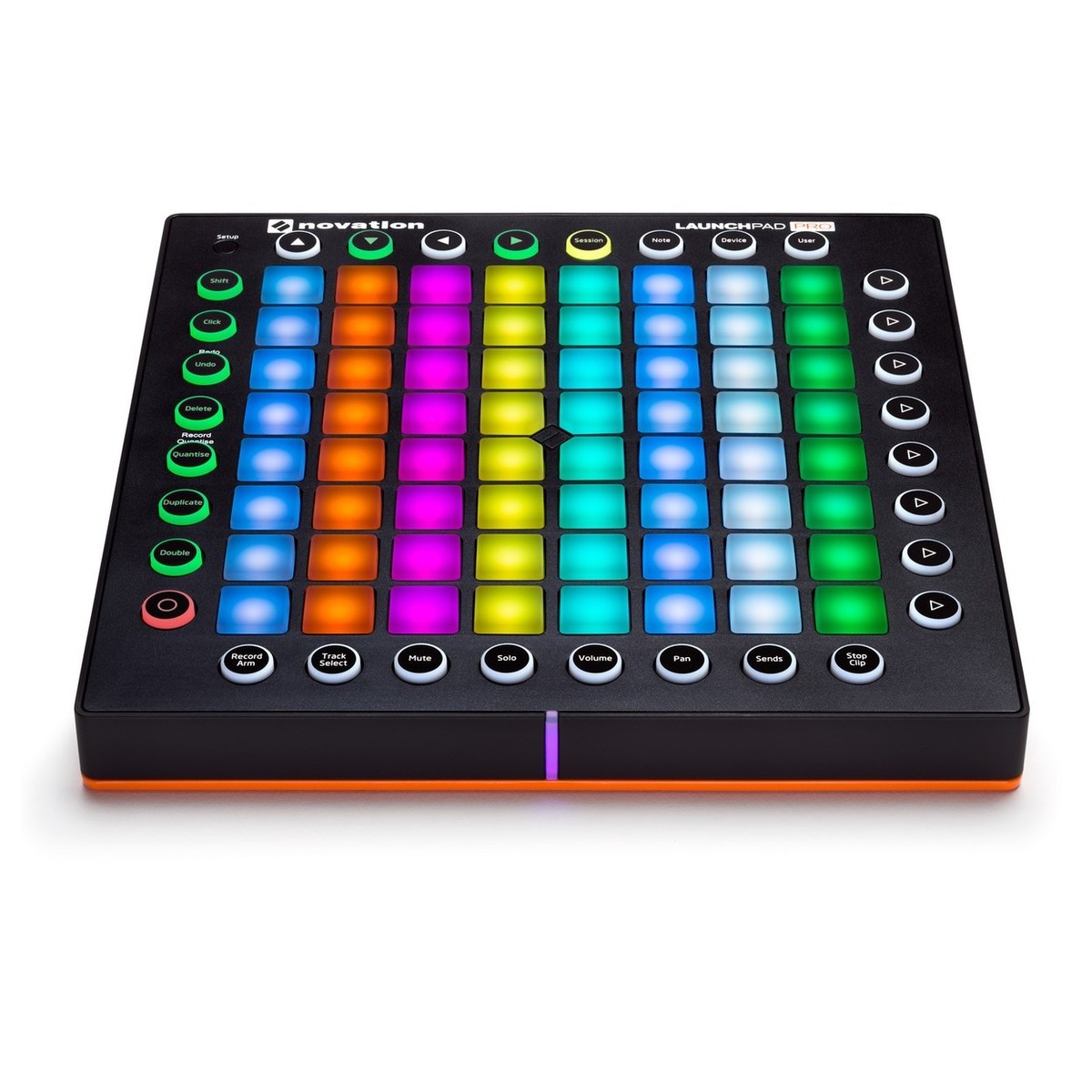
- Front LED strip
- Orange rubber base mat
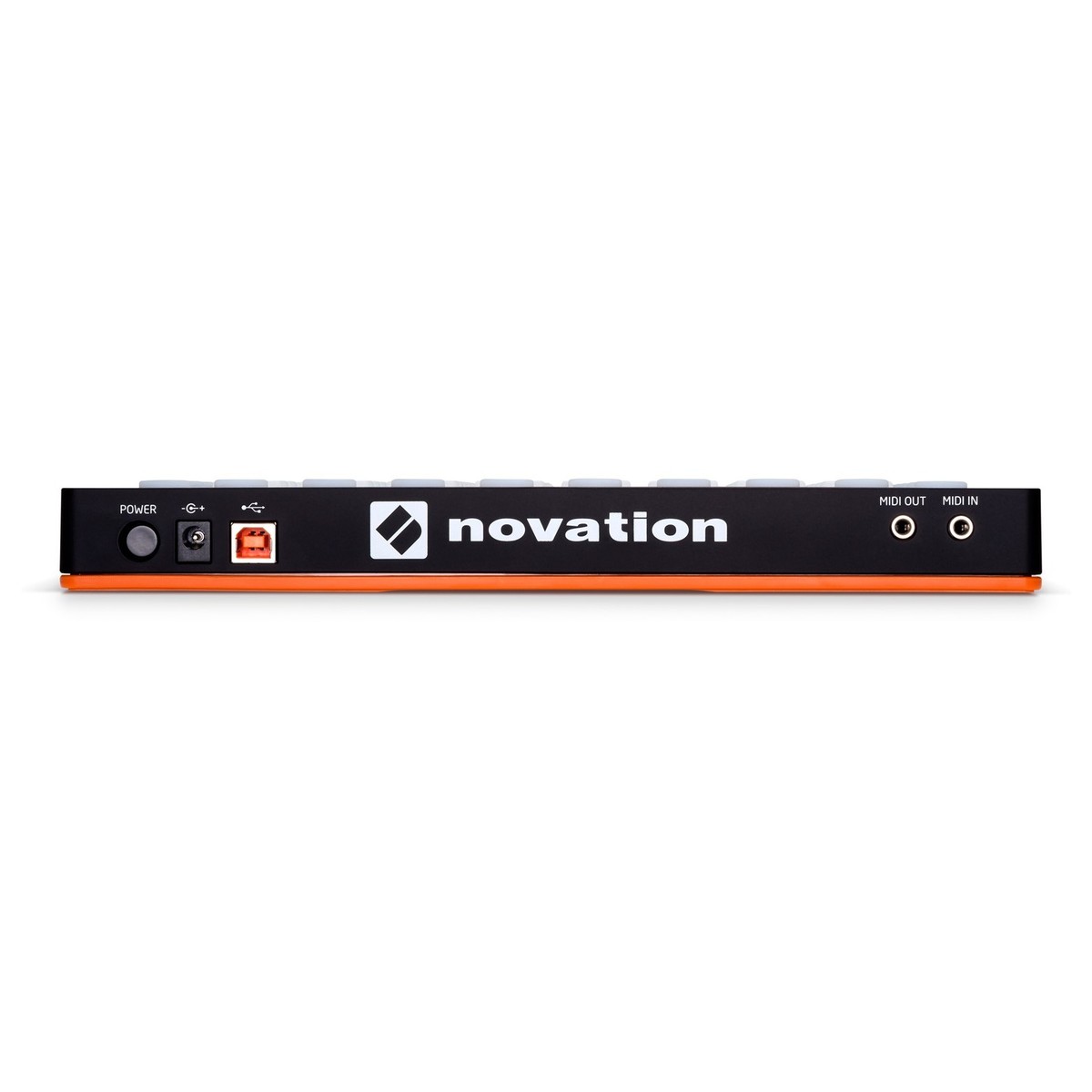
- High retention USB connector
- Two MIDI sockets (3.5mm jack sockets with MIDI din break-out cables)
- Power supply connector
- Power switch
- Kensington Security Slot
- Complete with Ableton Live Lite, 4GB of Loopmasters sounds and samples, Novation Bass Station, Novation V Station, One of four XLN Audio addictive keys VSTs and free Melodics lessons
Novation Launchpad Pro Case
- Two-piece design with integrated velcro straps securing top and bottom sections
- Bottom half works as protective tray when using Launchpad Pro
- Rear cut out for easy connection of cables
- Rubber feet to keep the case firmly in place while playing
- Rugged construction to absorb the gig treatment
Specifications
Novation Launchpad PRO Instrument
Product Compatibility
- Mac OS X 10.10 Yosemite, Mac OS X 10.9 Mavericks
- Windows 8.1, Windows 8, Windows 7
- iOS 8, iOS 7
Power Requirements
- USB bus powered
- 12V DC Power supply included
- Maximum power consumption 12V DC 1A
Novation Launchpad Pro Case
- Weight (Without Box): 0.65 kg (1.43 lbs)
- Dimensions (HxWxD): 287 x 287 x 50 mm