Full Description
View Full Description
P1 Nano
Streamline your creative process
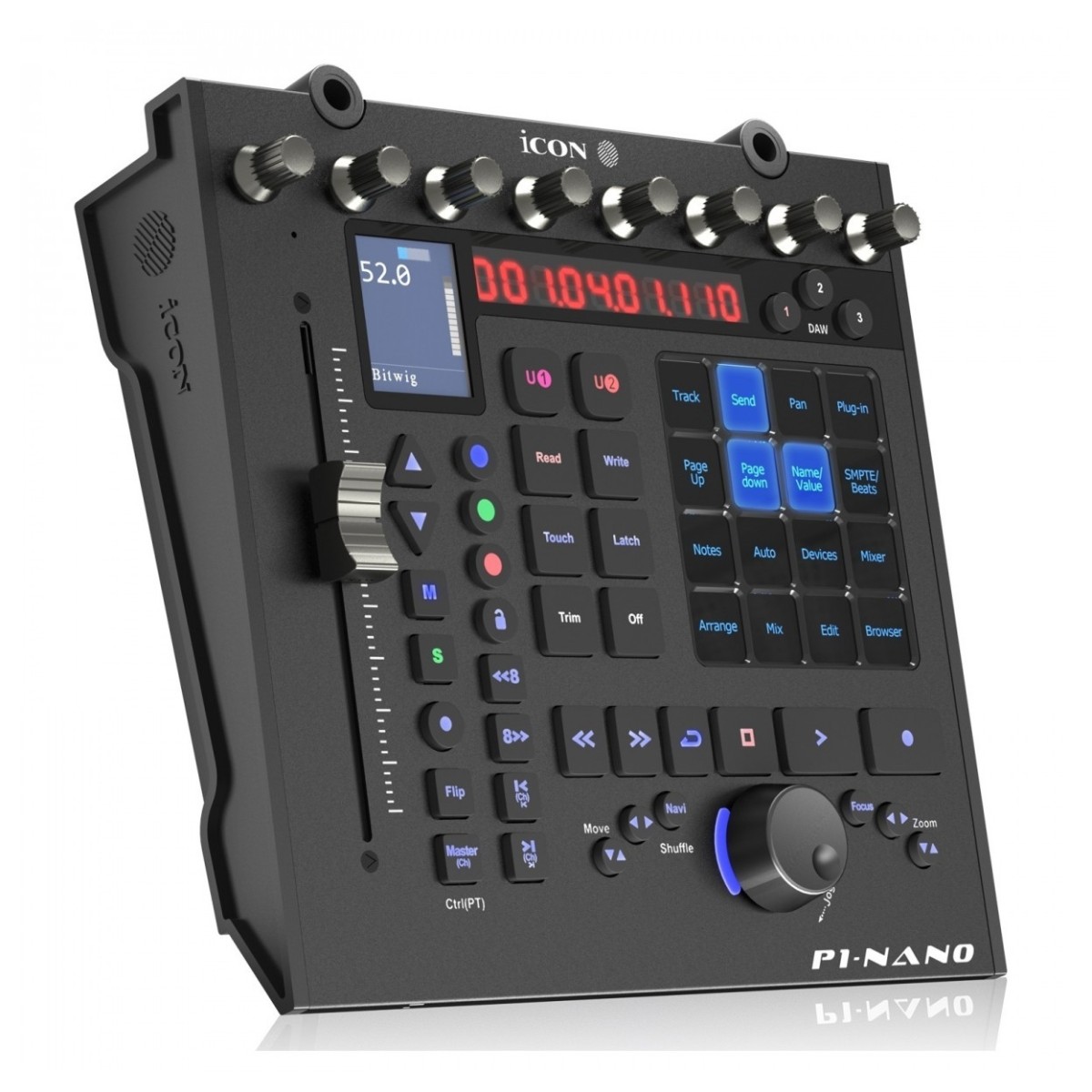
The iCON P1 Nano is engineered to enhance your workflow efficiency. With the ability to control up to three DAWs simultaneously, it offers a seamless transition between different software environments, reducing the need to manually switch or adjust settings. This feature is indispensable for professionals working with complex setups, ensuring a continuous, distraction-free creative process.
Enhanced control with customizable interface
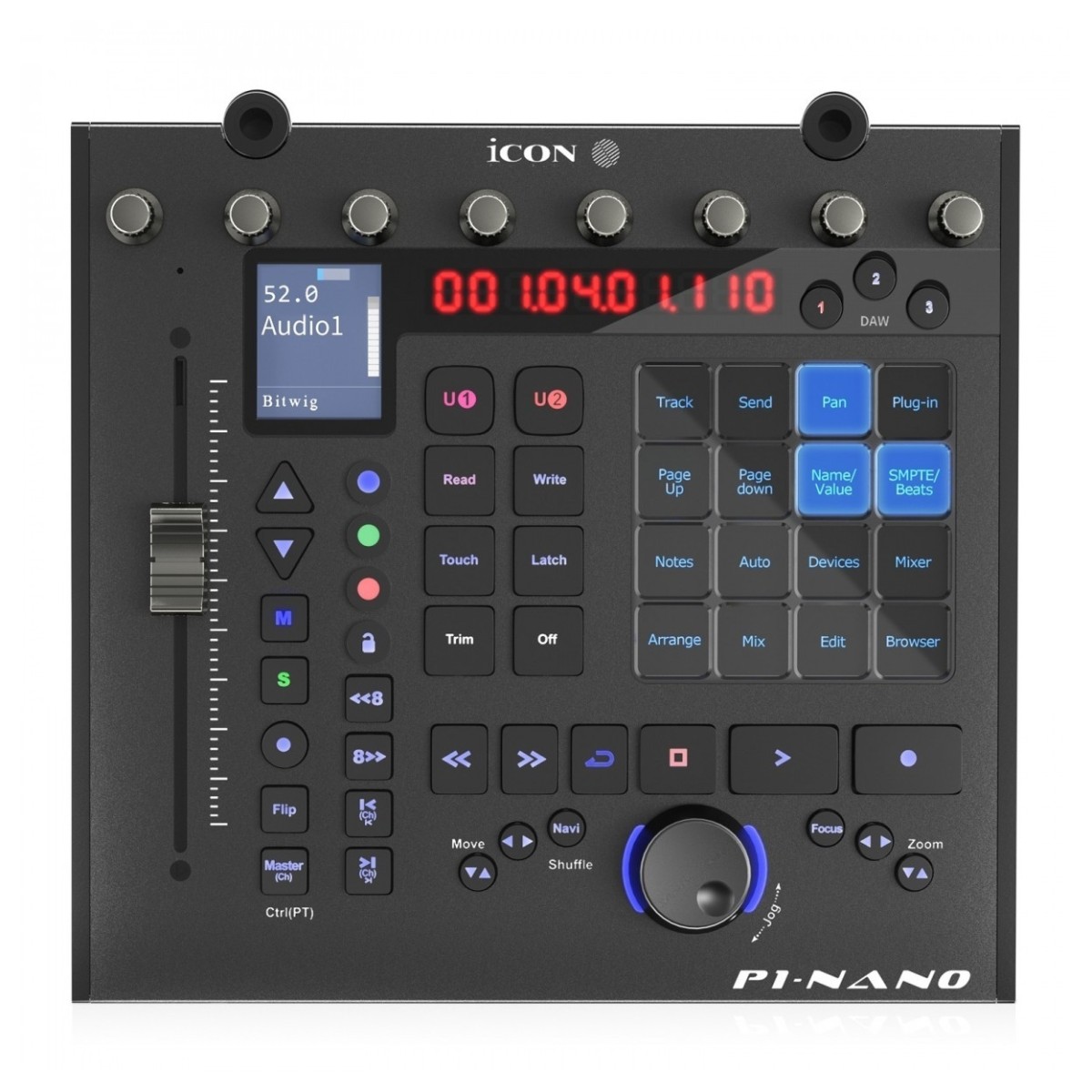
The heart of the P1 Nano lies in its 4-inch customizable touchscreen. This digital touch display allows for the arrangement of DAW functions in an easy-to-access, colour-coded layout that can be modified in real-time using 'drag and drop' via the iMAP software. Such adaptability makes it easier to access the most used commands and tools, tailoring the setup to your personal workflow and increasing overall productivity.
Precision at your fingertips
Precision is critical in audio production, and the P1 Nano's touch-sensitive motorized fader and dual-function encoder knobs provide the tactile control needed for detailed adjustments. Whether automating a track's volume or tweaking EQ settings, these controls offer the fine resolution necessary for achieving the perfect mix. The LED display and illuminated buttons also contribute to an intuitive user experience, even in low-light environments.
Durable and versatile for all environments
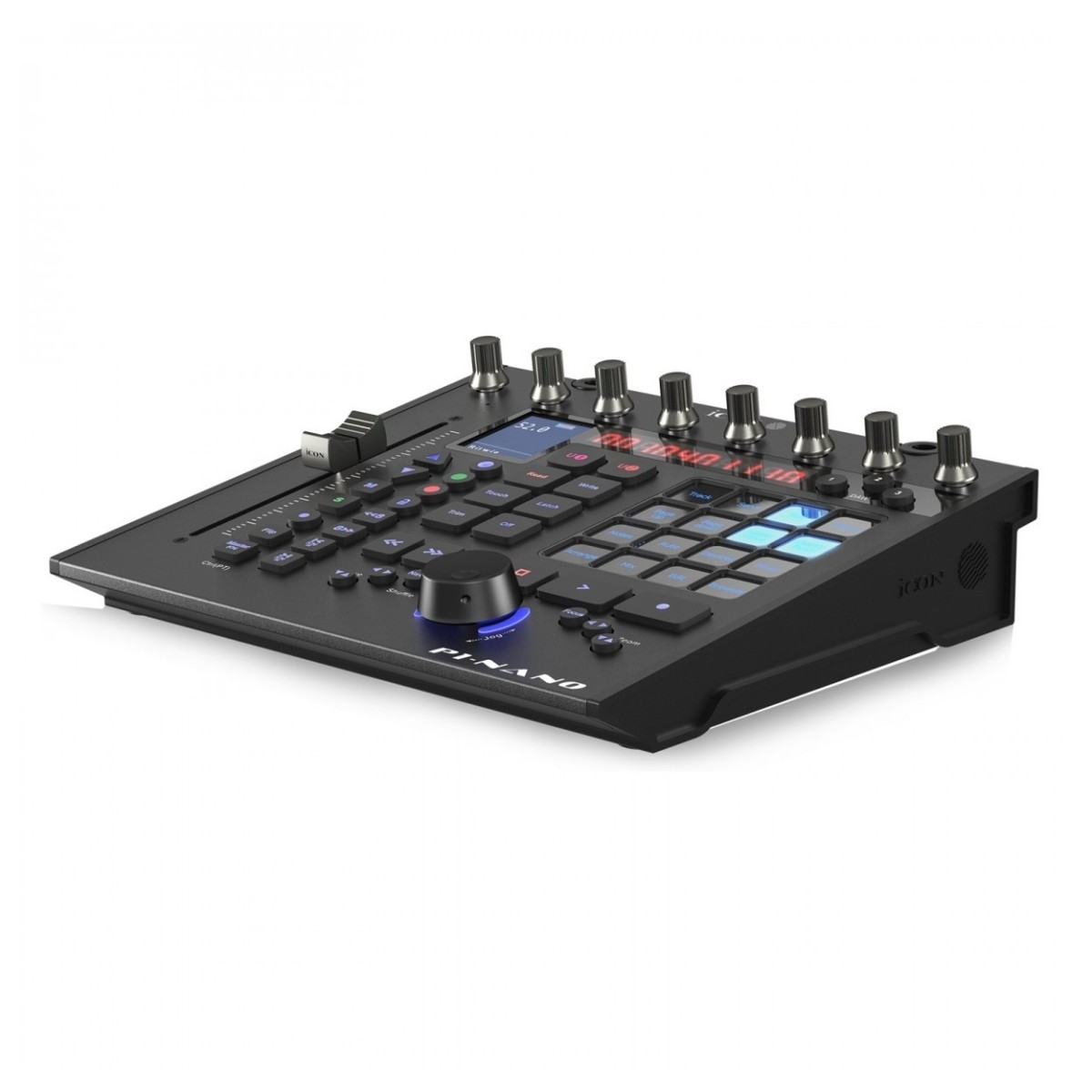
Built to withstand the rigours of both studio and live environments, the iCON P1 Nano boasts a robust metal casing with a compact footprint that fits easily into any setup. Its class compliance with the latest operating systems ensures it is ready to go right out of the box, and its support for Universal Mackie Control and HUI protocols means it integrates smoothly with almost any DAW. The addition of a Kensington lock port also secures the unit in public or busy spaces, making it a reliable choice for every audio professional.
D5 Display
OLED display for flexible montioring
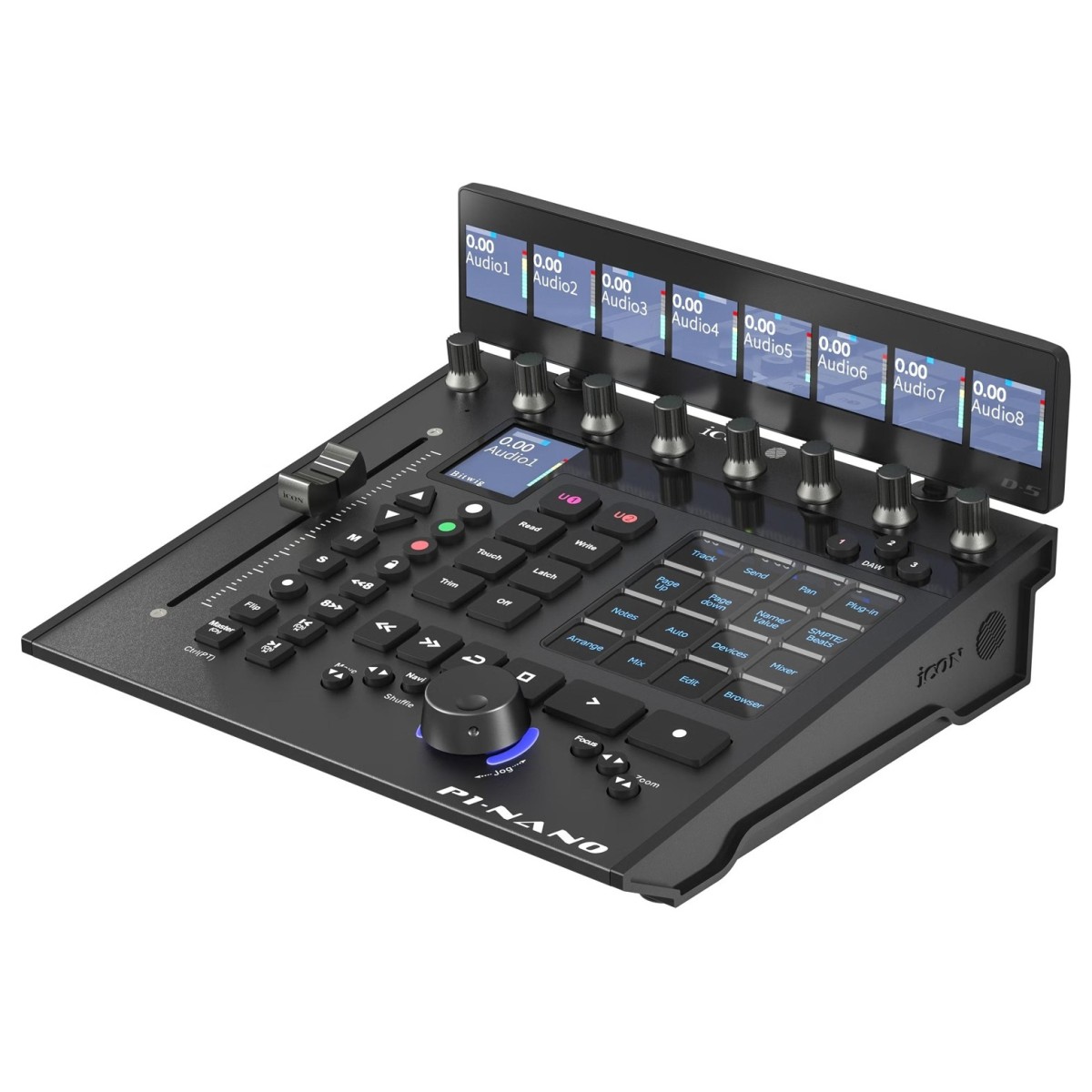
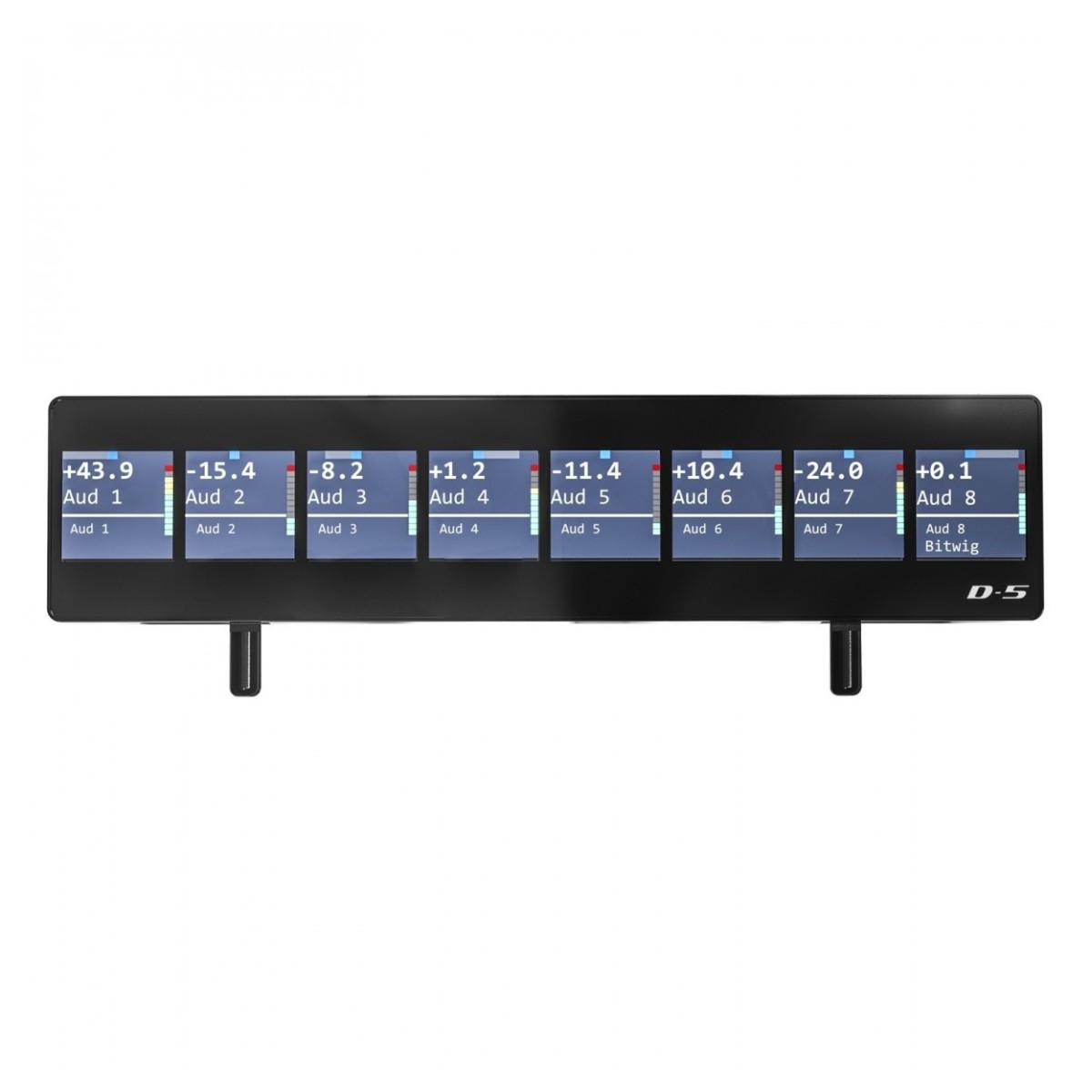
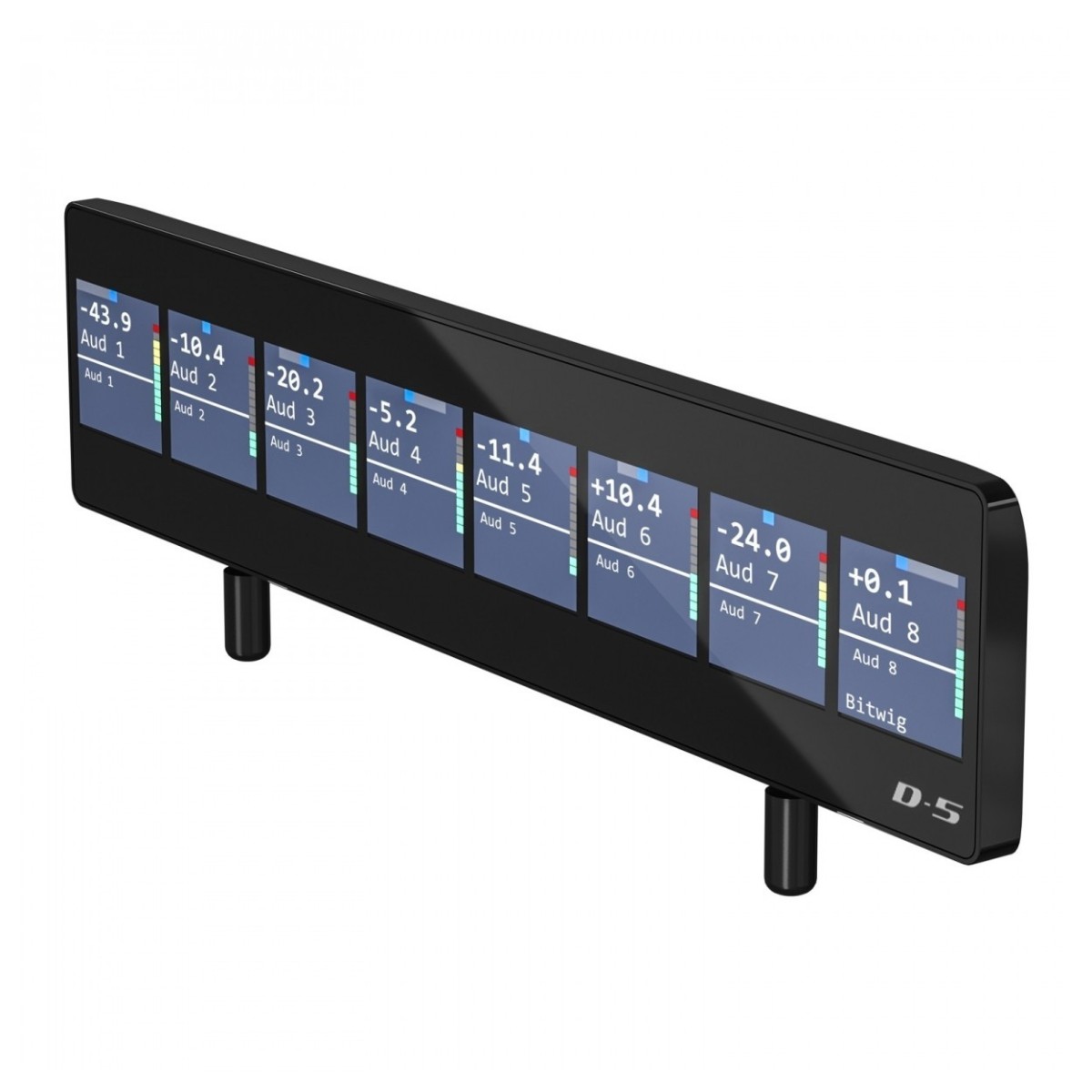
The Icon D5 Display Unit for P1 Nano is a perfect companion for audio professionals and home studio enthusiasts seeking seamless integration with their P1 Nano controller. This optional display enhances the usability of the P1 Nano by providing a crystal-clear OLED screen that showcases essential information such as channel metering, stereo pan positioning, and track names without the need to constantly check a computer screen.
Ideal for live setups or crowded studio environments, the magnetic mount allows for quick adjustments and secure placement. Additionally, the display supports visual data from various plugins and EQ settings, enriching the user's control over their audio mixing. It also integrates track colour details if transmitted by the DAW using the Mackie Control Protocol, aiding in efficient track management. This display unit is an asset for anyone looking to streamline their audio workflow and maintain focus on the mix.
Features
P1 Nano
- Touch-sensitive motorized fader with high resolution (12-bit)
- Programmable 4-inch digital touch display with 16 panels, supporting 80 functions across 5 color modes
- Easy organization of DAW functions via drag-and-drop on the 16-panel touchscreen, with real-time updates
- Simultaneous connectivity to three DAWs using DAW select buttons
- Compact, durable, and versatile design
- On-board display for channel name, control values, and metering
- Eight dual-function encoder knobs with smooth action (Rotate and Enter)
- 12-segment LED display for timecode or project location in SMPTE or beat clock formats
- Smooth-action jog wheel for fast search, scrub, and control
- Illuminated function buttons for various DAW operations like Read, Write, Touch, Latch, Trim, and Off
- Illuminated buttons for channel control including Mute, Solo, and Record
- Six illuminated transport buttons: Play, Stop, Rec, Rewind, Fast Forward, and Loop
- Dedicated Flip and Master buttons for fader flipping and master channel access
- Illuminated Zoom button with directional keys, used with the jog wheel
- Illuminated Focus button for adjusting plug-in and EQ parameters via the jog wheel
- Two illuminated Track buttons for channel selection
- Two illuminated Bank buttons for shifting 8 channels at a time
- Support for Universal Mackie Control and HUI protocols for integration with major music production software
- Compatibility with numerous DAWs including Ableton Live, Pro Tools, Logic Pro, and more
- iMapTM software available for download on the product webpage
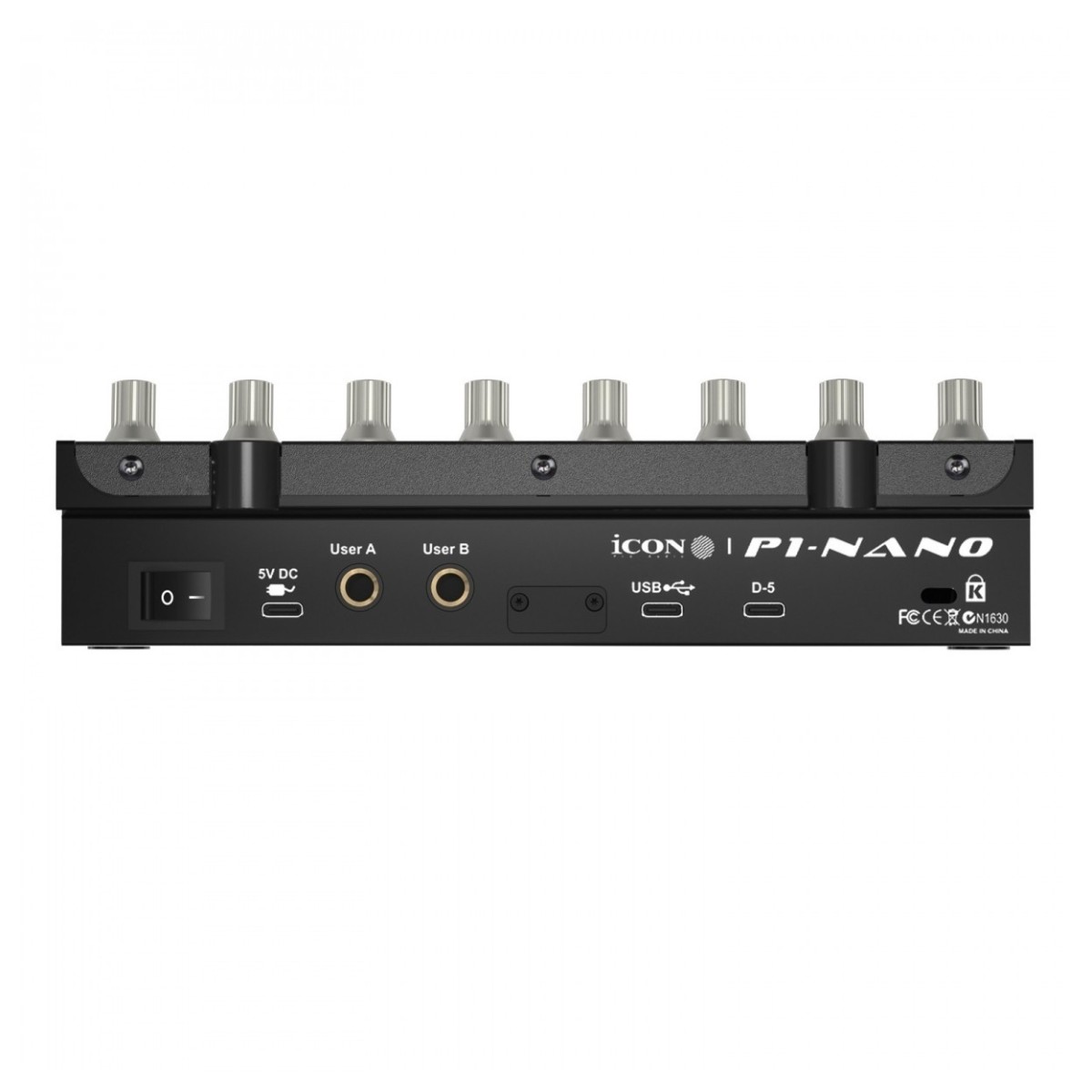
- USB-C for high-speed connectivity and firmware upgrades via iMapTM software
- Inputs for footswitch pedals (User A & User B 1/4 inch)
- Optional D5 display unit
- Class-compliant with MacOS 1015 or above and Windows 10 or above
- Robust metal casing with superior build quality and a Kensington lock port
D5 Display
- Displays plugin, EQ parameters, and more
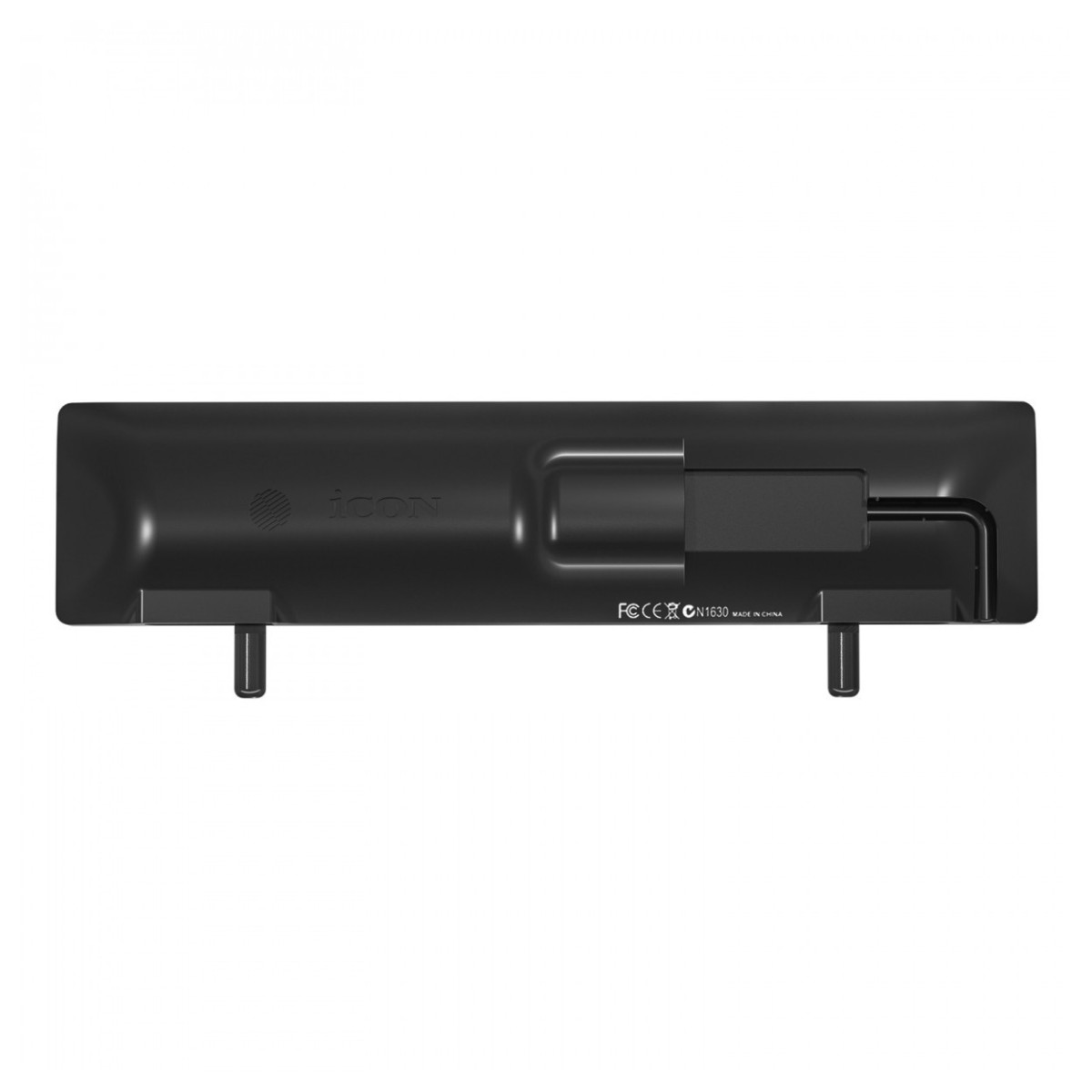
- Magnetic mount for easy positioning and removal
- OLED display for clear visual feedback
- Shows track colour details via Mackie Control
- Compatible with the P1 Nano MIDI DAW controller
Specifications
P1 Nano
- Connector: To computer USB C connector
- Power Supply: 5V DC
- Current Consumption: 0.9A or less
- Weight: 0.896kg (1.97lb)
- Dimensions: 213mm x 196mm x 60mm
- Product Code: 11000122
D5 Display
- Weight: 0.118KG (0.26 lbs)
- Dimensions (mm): 219(L) x 62(W) x 19(H)
- Product Code: 10011779
Your order may contain items that use a 240V UK plug or a 220V EU plug
Any electrical items in your order may have been designed to work with a 240V circuit, using a United Kingdom G type plug connection or a 220V circuit, using an EU plug connection. An adapter or transformer may be required for these items to work properly and safely in your country.
Some items work with a range of voltages, or have a switchable voltage control built in. Please refer to the specific product details for further information.