Full Description
View Full Description
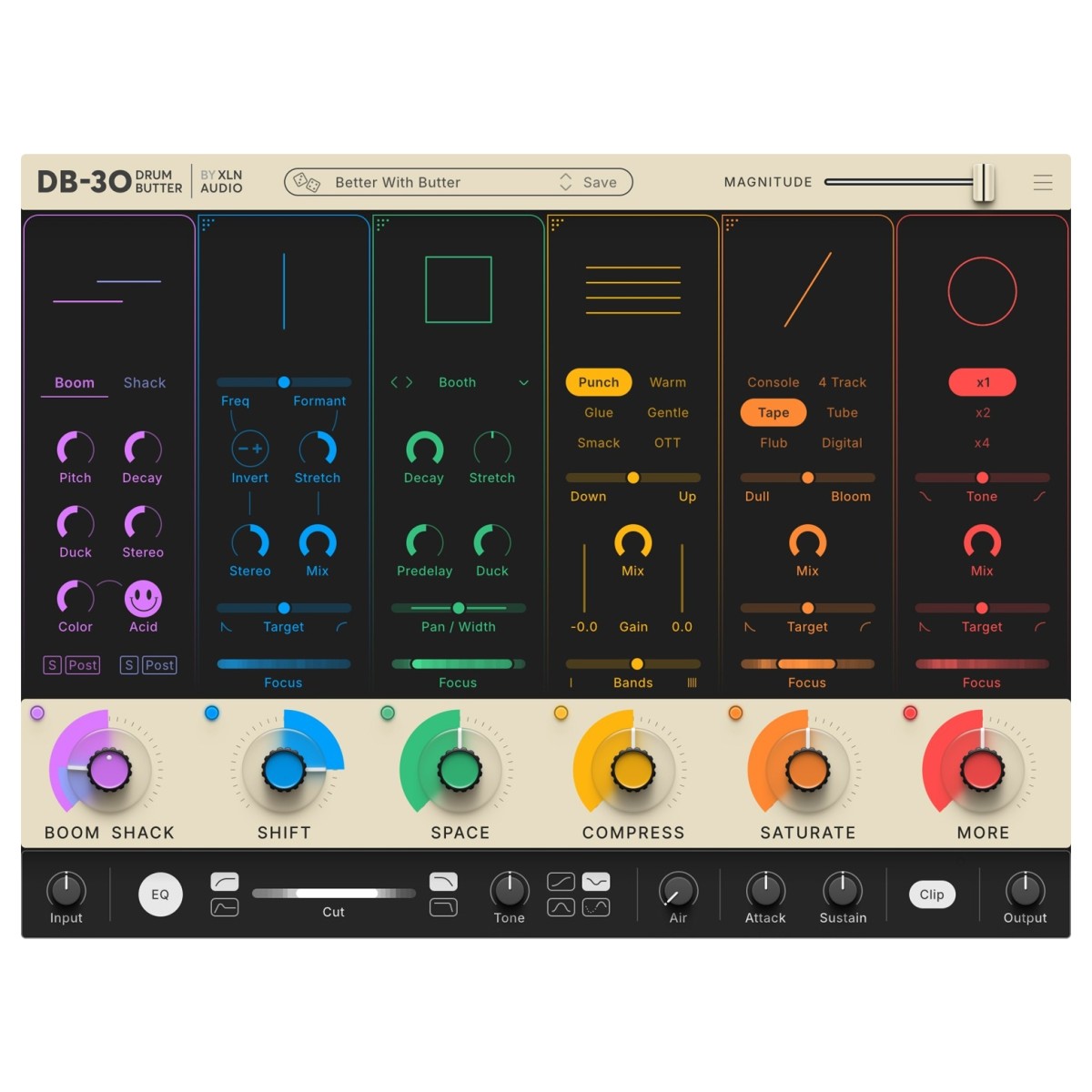
The Modules
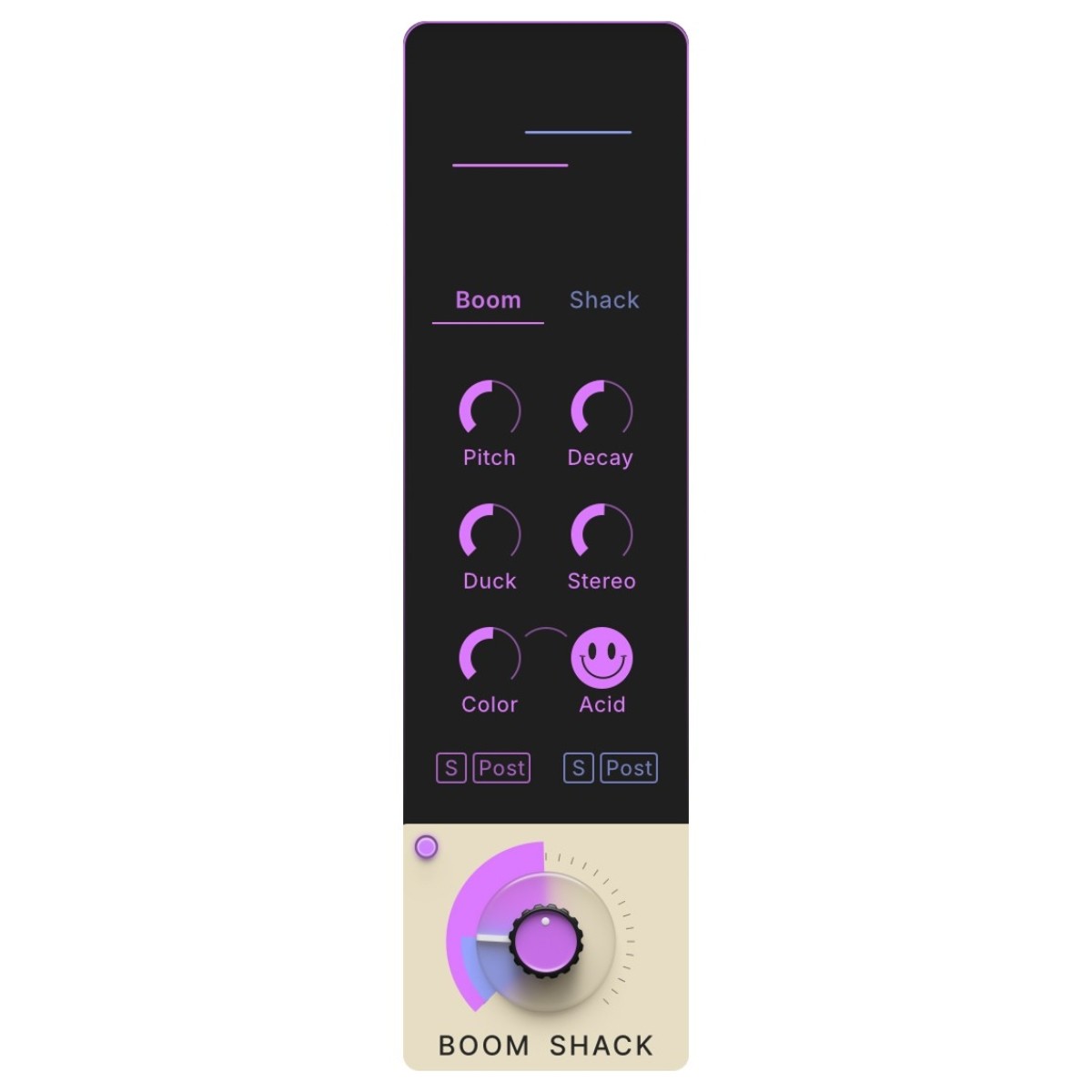
- Boom Shack: Add weight, heft and power to your drum sounds with the Boom Shack module. By targeting the sub-bass frequencies of your drums, the kick drum or subs get some added “boom” to punch through your mixes and make them sound larger than life. The “shack” part of this module adds a top layer of sizzle and noise that’s perfect for your hi-hats or snare drums to give them the lift they need to cut above other instruments in your mix. Placed on the dual knob control, you have independent control over both the Boom and Shack independently!
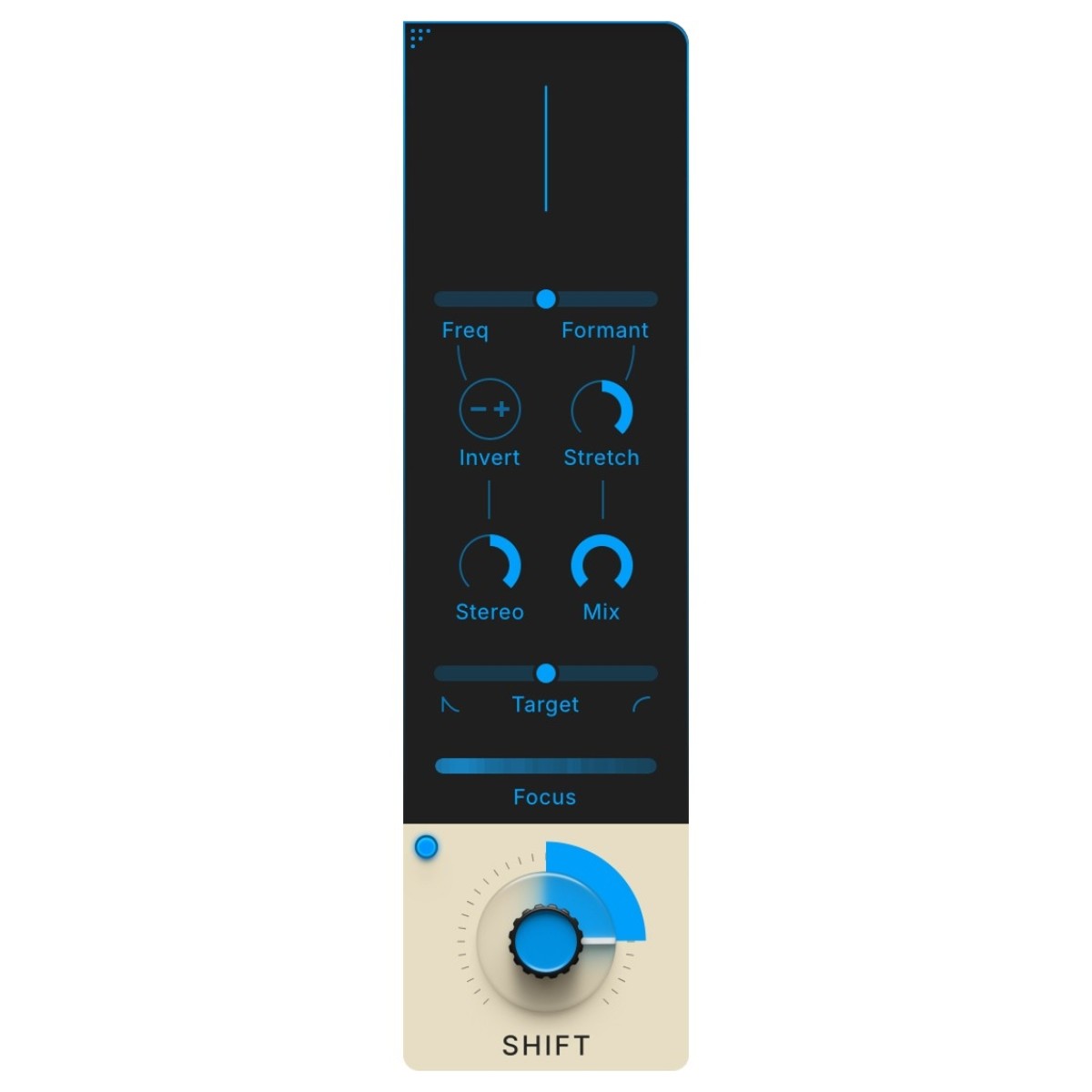
- Shift: Shift and mangle time to your needs. Shift affects the frequency and formant of your drum sound, similar to some pitch-shifting plugins you may find but with a twist. Tailored specifically for drums, the Shift knob lets you push drums into a higher register by rotating the dial clockwise, or turning anti-clockwise gives you a deep, dark and bass-heavy sound.
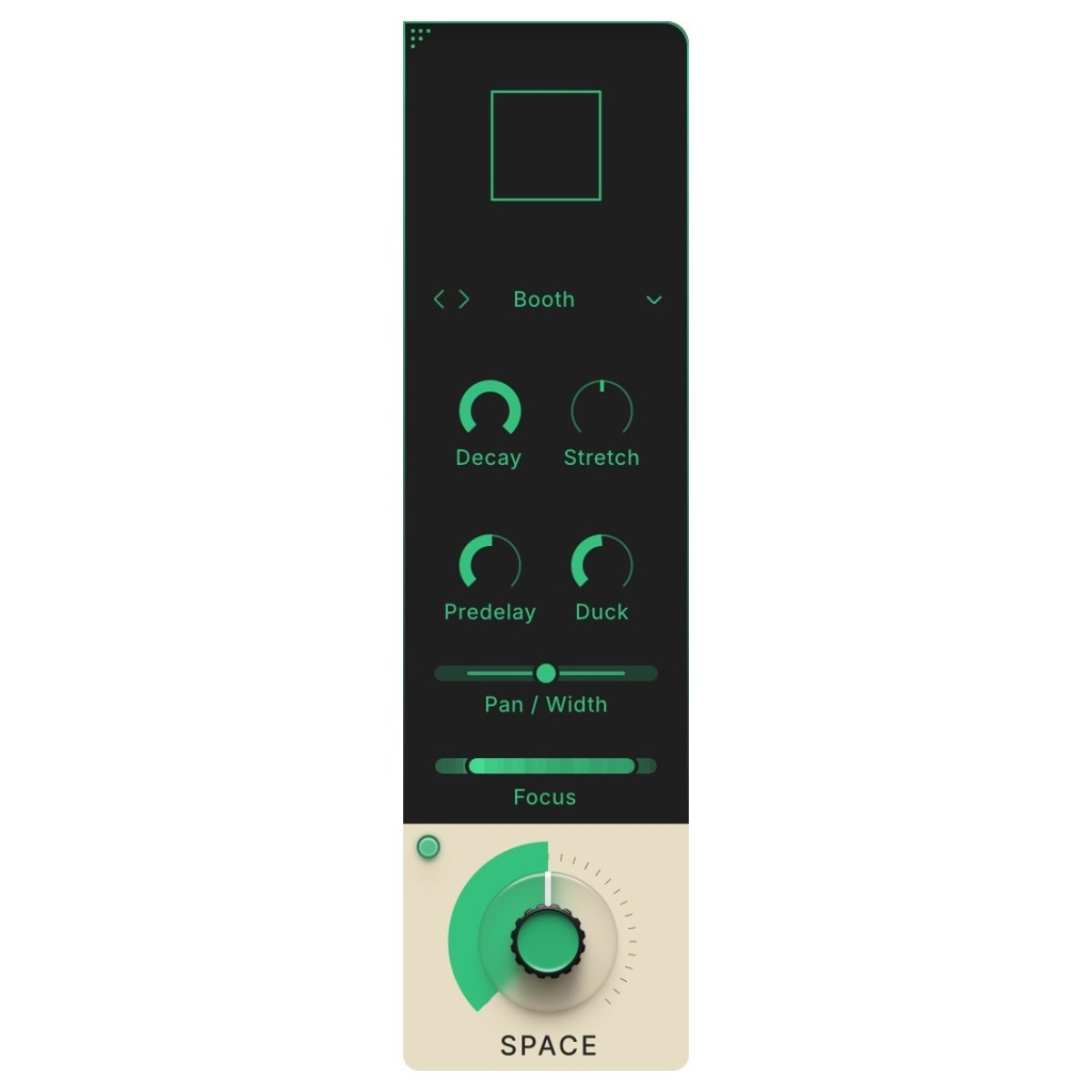
- Space: Add depth and dimension to your drums with the Space module, offering multiple reverb options from natural and realistic drum rooms to vintage reverb inspired by hardware units. With the Space module, you can make your drums sound bigger and wider in your mix, filling out the space to envelope your drums in sound. Using the main control, you can adjust the level of reverb against the dry signal, but be careful not to overdo it – you could cloud up your sound and make it too muddy.
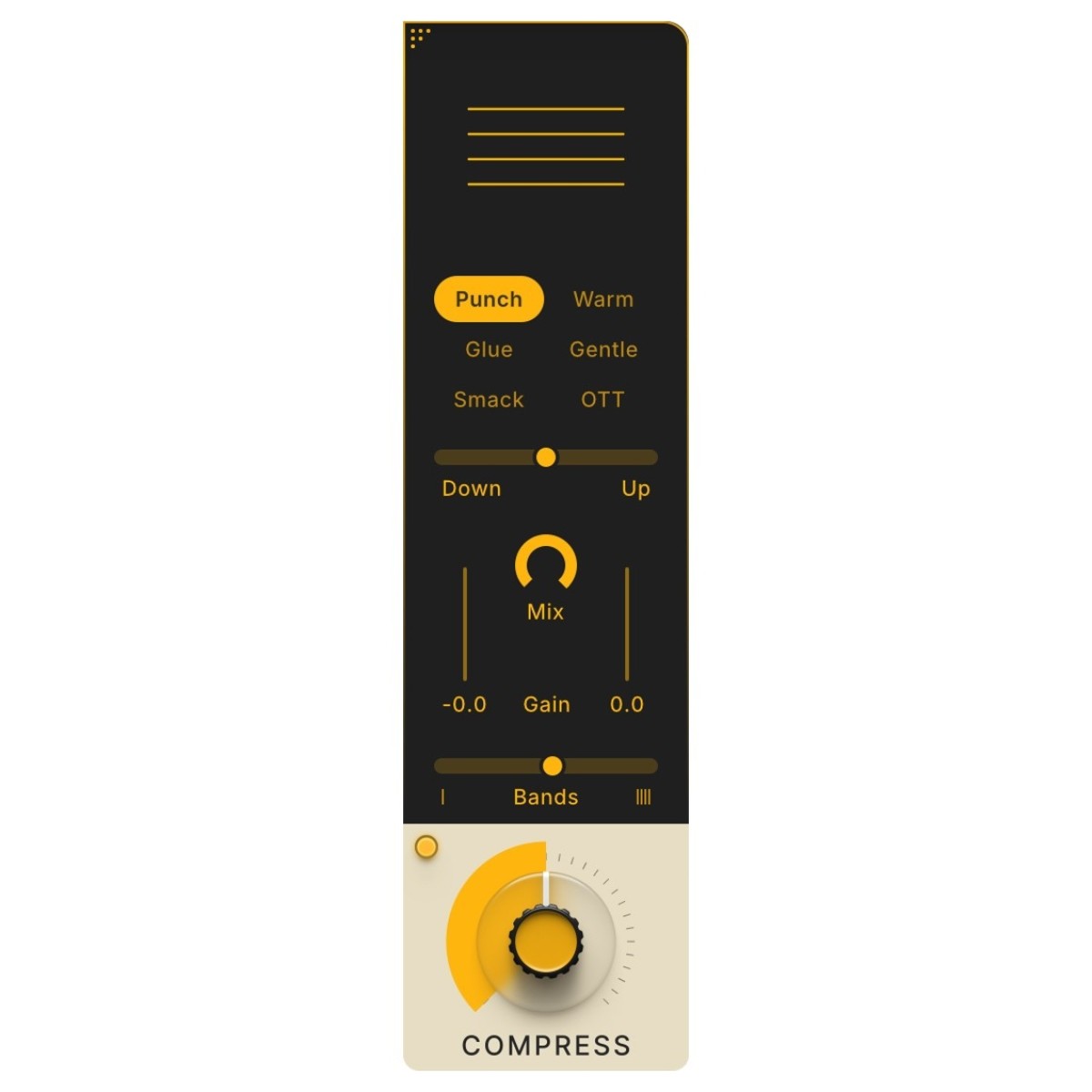
- Compress: Self-explanatory module! Compress adds the punch and energy to all of your drums at once, perfect for adding the glue and cohesion to your drums. The Compress module comes with six modes, perfectly-tuned and dialled based on tried and true compression styles. Turn up the compression and you’ll get that “pumping” style!
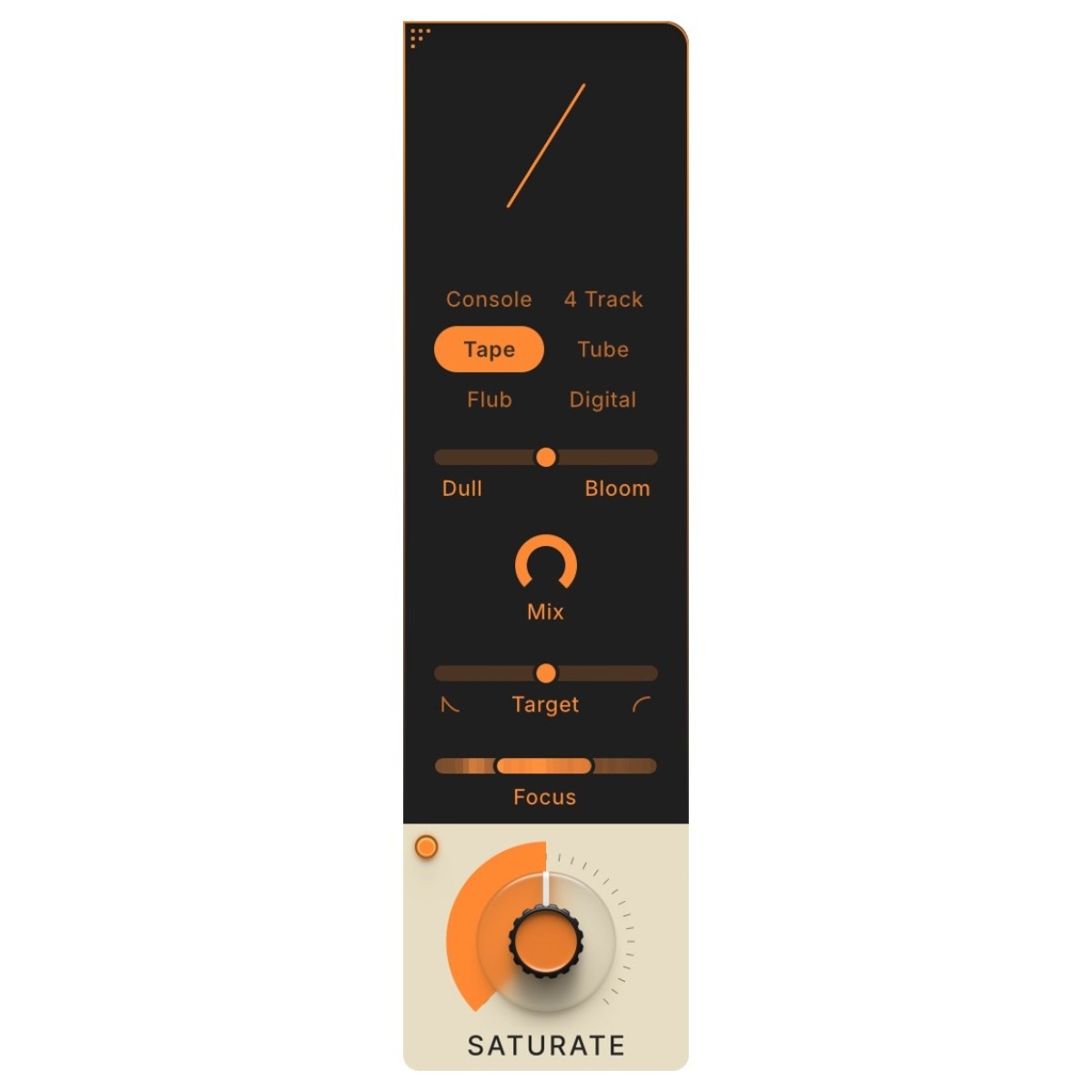
- Saturate: The secret sauce! The distortion section adds raw edge and bite to your drums the more your turn it up. With six different saturation modes to choose from, you’ll be able to cater the perfect amount of crunch and distortion to any drum style, loop or mix you have in your track.
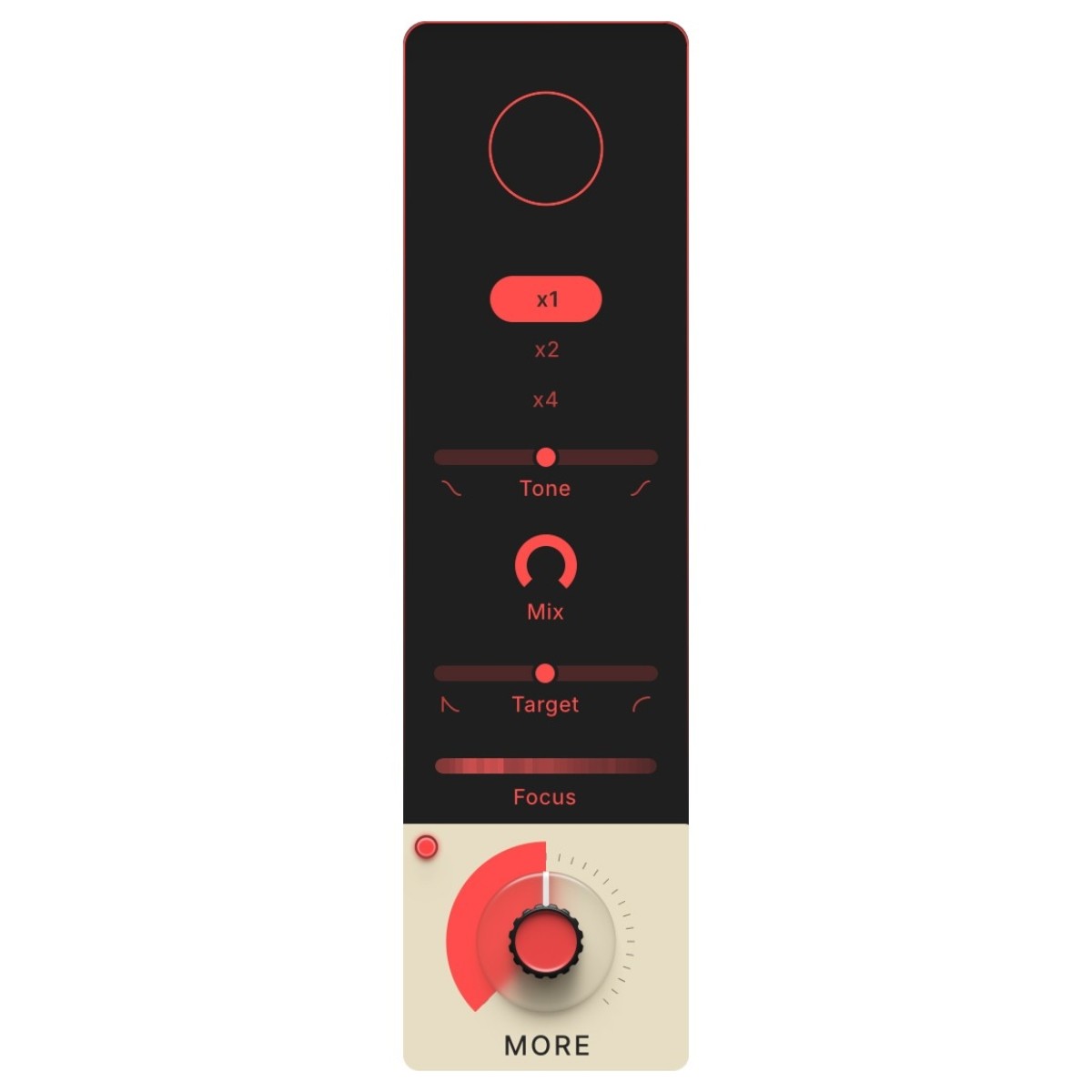
- More: More is more! If you liked Saturate but still think your sound could use some more — well, here’s More for you. Technically speaking, More adds density to your sound by combining a waveshaper and a clipper. Use it for a subtle loudness increase or go nuts and crush your beat. Who are we to judge?
The Controls
- Magnitude slider: The global Magnitude slider adjusts all six modules and the Master Section simultaneously. Levels will change in real-time proportional to their starting points, meaning you can choose to add a little bit more, or a little bit less of everything without having to interrupt your workflow and dial each module individually!
- Preset Browser: Struggling to know where or how to start? DB-30 comes packed to the brim with inspiring presets for different instruments, genres and mixing styles. You can use them as a starting point for further tweaking to suit your mix, or trust the professionals and go with the flow! Though DB-30 is designed for drums, why not try experimenting with the presets for other sounds in your mix? See how DB-30 can lift almost any sound in your mix to the next level.
- Effect Modules: Each module features Focus Filters and Target Sliders to let you target specific frequencies, or the transient/sustain portion of the audio signal independently. With this much power and flexibility, you will never run out of ways to process your drums with DB-30.
- Module Knobs: Each Module features a global knob to adjust the amount of the processing for each module individually. They are essentially “Mix” knobs that turn up the amount of processing to get the desired sound.
- Master Section: As well as all six of the modules within DB-30, the Master Section features global settings for the entire sound of all modules together, including the final EQ section, Clipper, Air and Output Level and Attack / Sustain.
Design your signal chain
DB-30 is made up of 6 modules within the plugin, from left to right. The secret? 4 of the modules can be re-arranged in any order you want. The Boom Shack and More modules have fixed locations at the beginning and end of the chains for the most optimised sound, but the other four are free to be dragged and dropped into whichever slot you want! Experiment with moving modules around, each change will effect the signal chain in drastic ways, letting you create customised signal chains to transform your drums!
Master Section
At the bottom of the DB-30 interface, you’ll find the Master Section. This is where you have global control over input and output levels, high- and low-pass filters, various tone options and the powerful Air control. You’ll also find the Attack and Sustain controls here, which shape the transients and length of the drum hits. It’s worth noting that the Attack control is great to compensate for any punch you might have lost with a heavily distorted and compressed sound. It works by blending in the transient portion of the dry sound, prior to any processing.
This is also where you’ll find the Undo/Redo buttons and the Snapshot slots, which allow you to save four different iterations of the current state. If you have a great setting but want to keep tweaking, you can simply snapshot the current state and retrieve it with a single click.
Reviews
"This is going on everything " - Tommy Rush – Producer / Songwriter (The Weeknd, Travis Scott, Beyonce)
"Generational plugin. Unbelievably powerful. " - Parisi – Producers / Songwriters (Fred Again, Ed Sheeran, Tiesto)
"This is going on every drum I got. This is it. This is IT!" - DJ Jazzy Jeff – Producer / Artist
Features
- Add character and full-mix processing to all types of drums, from drum loops, patterns, acoustic drum hits, single impact hits and full grooves
- Familiar interface and intuitive design simplifies time-consuming and complex processes into six distinct modules
- Modular design for each of the different processors like you place them in whichever order you want for your signal chain
- Includes Boom Shack, Shift, Space, Compress, Saturate and More modules, each with a unique set of parameters that can be adjusted independently
- Global controls to adjust the entire signal chain including Clipping, EQ, Attack, Sustain and more
- Focus Filters and Target Sliders let you target specific frequencies or the Transient/Sustain independently
- Ships with a huge range of presets to explore new sounds for your drums, all mix-ready to add character and polish to your drums
- Global Magnitude controls the overall intensity of the processing within the plugin
Specifications
- Operating system:
- Mac: macOS 10.13 or later (Tahoe, Sequoia, Sonoma, Ventura, Monterey, back to High Sierra 10.13) - 64 bit
- Windows: Windows 10, 11 - 64 bit
- Processor:
- Mac: Intel and Apple Silicon (M5 and older)
- Windows: Intel
- Format:
- Mac: VST3, VST, AU, AAX, Standalone
- Windows: VST3, VST, AAX
- Supported DAWs:
- Ableton Live 10 or later
- Apple Logic Pro 10 or later
- Avid Pro Tools 11 or later (Pro Tools First is not supported)
- Cakewalk by Bandlab
- FL Studio 20 or later
- Propellerhead Reason 10.3 or later (Addictive Drums 2, the Bus channel cannot be sent to a separate output track)
- Reaper 5 or later
- Steinberg Cubase 10 or later
- Minimum Screen Resolution: 1920x1080
- Activation: Internet connection required during activation
- Product code: 1096-110